
Your cart is empty.
Browse plugins
Description
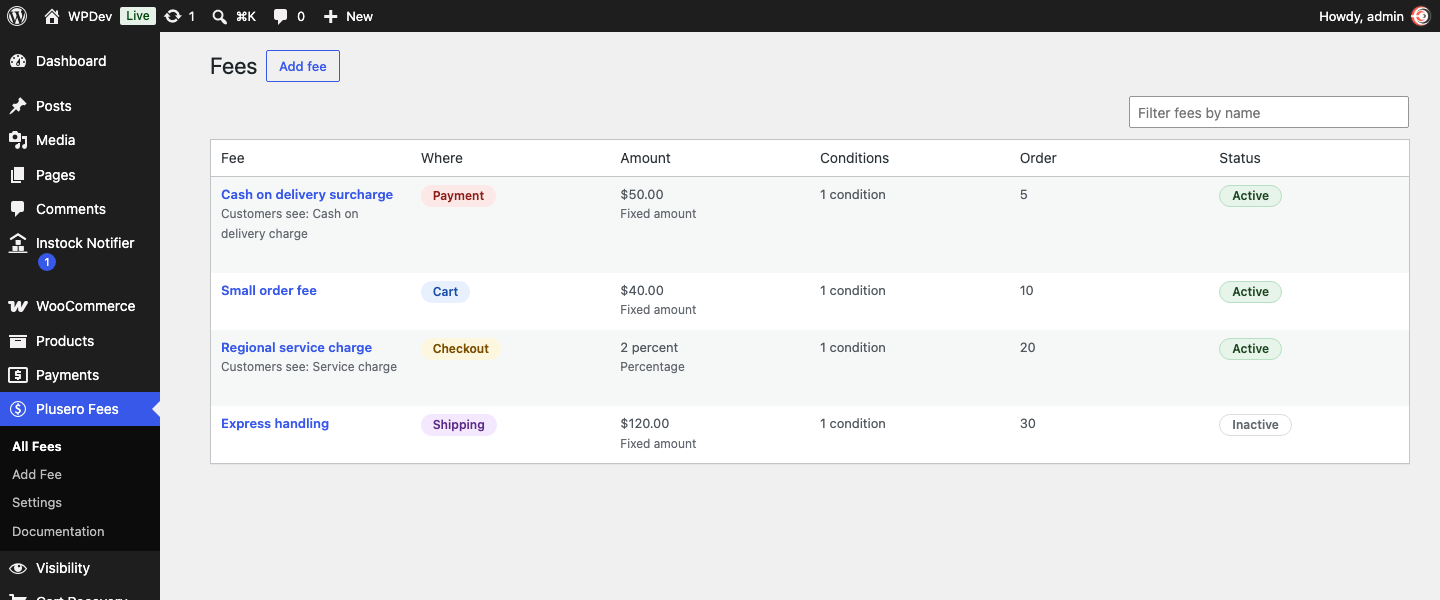
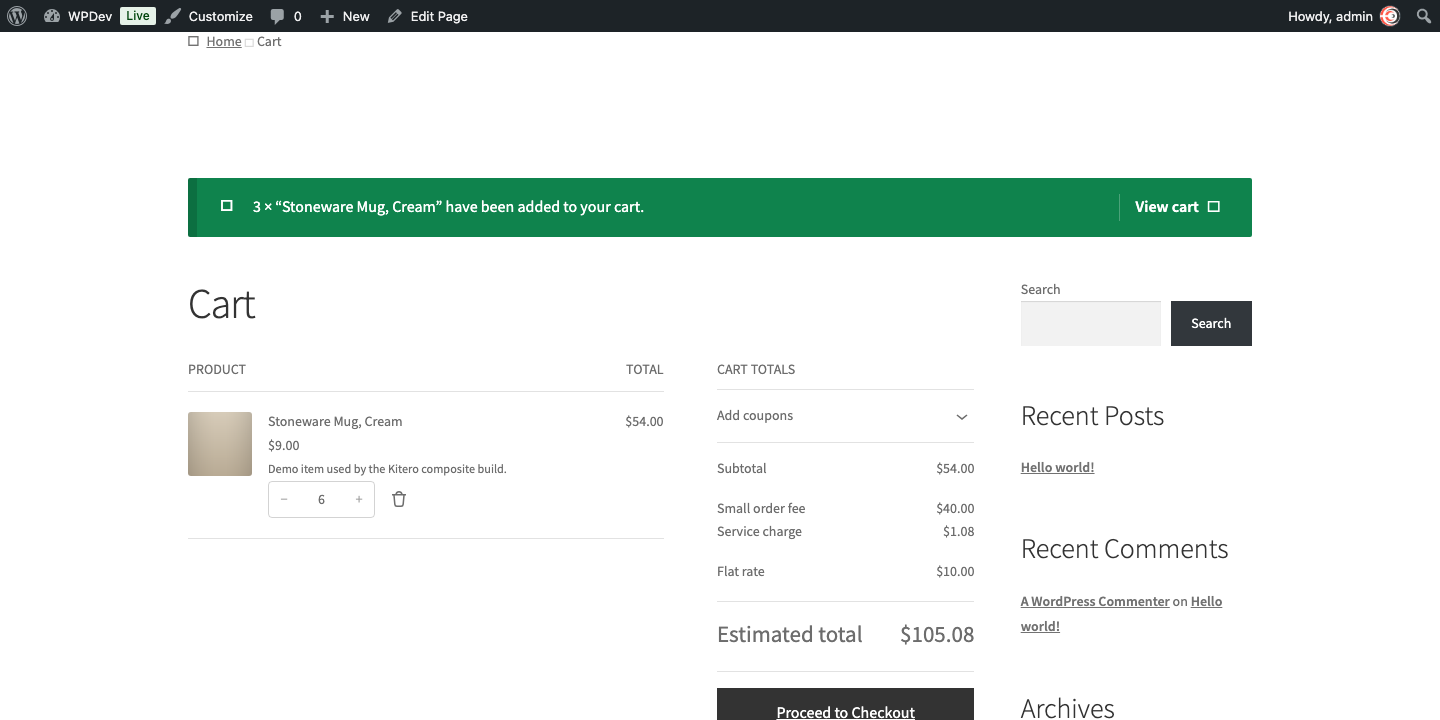
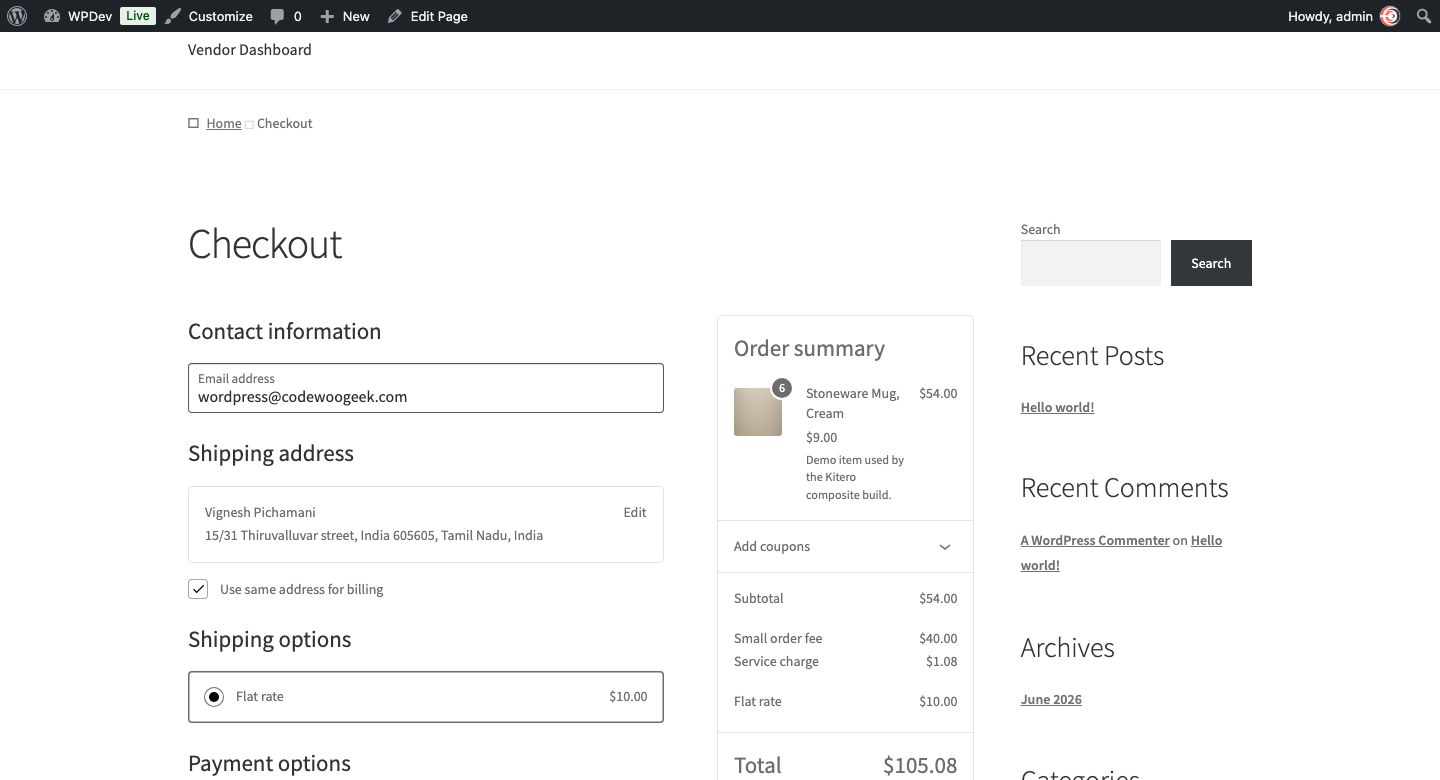
Plusero Extra Fees lets you add a charge to an order when a condition you set is met. A cash on delivery surcharge. A small order fee. A packaging charge on fragile goods. A card processing percentage. You describe the rule once and the fee applies itself from then on.
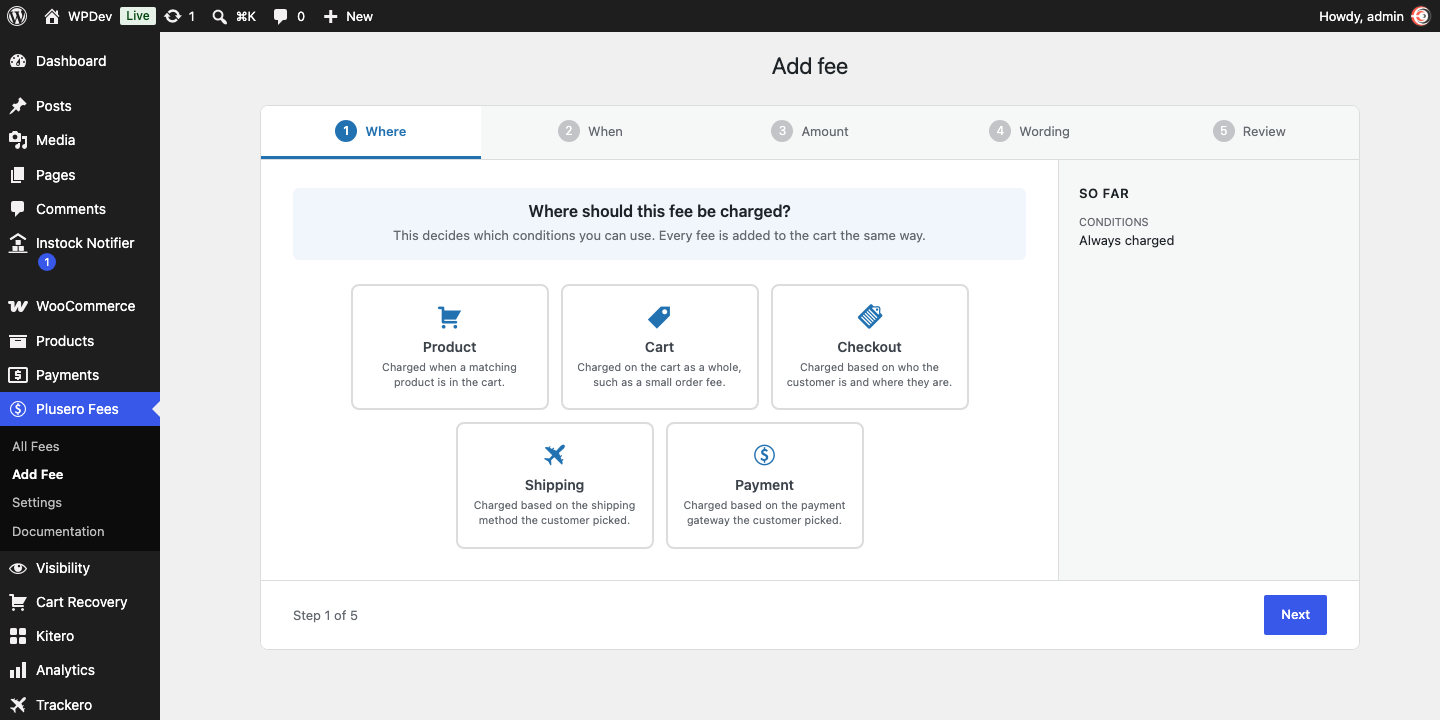
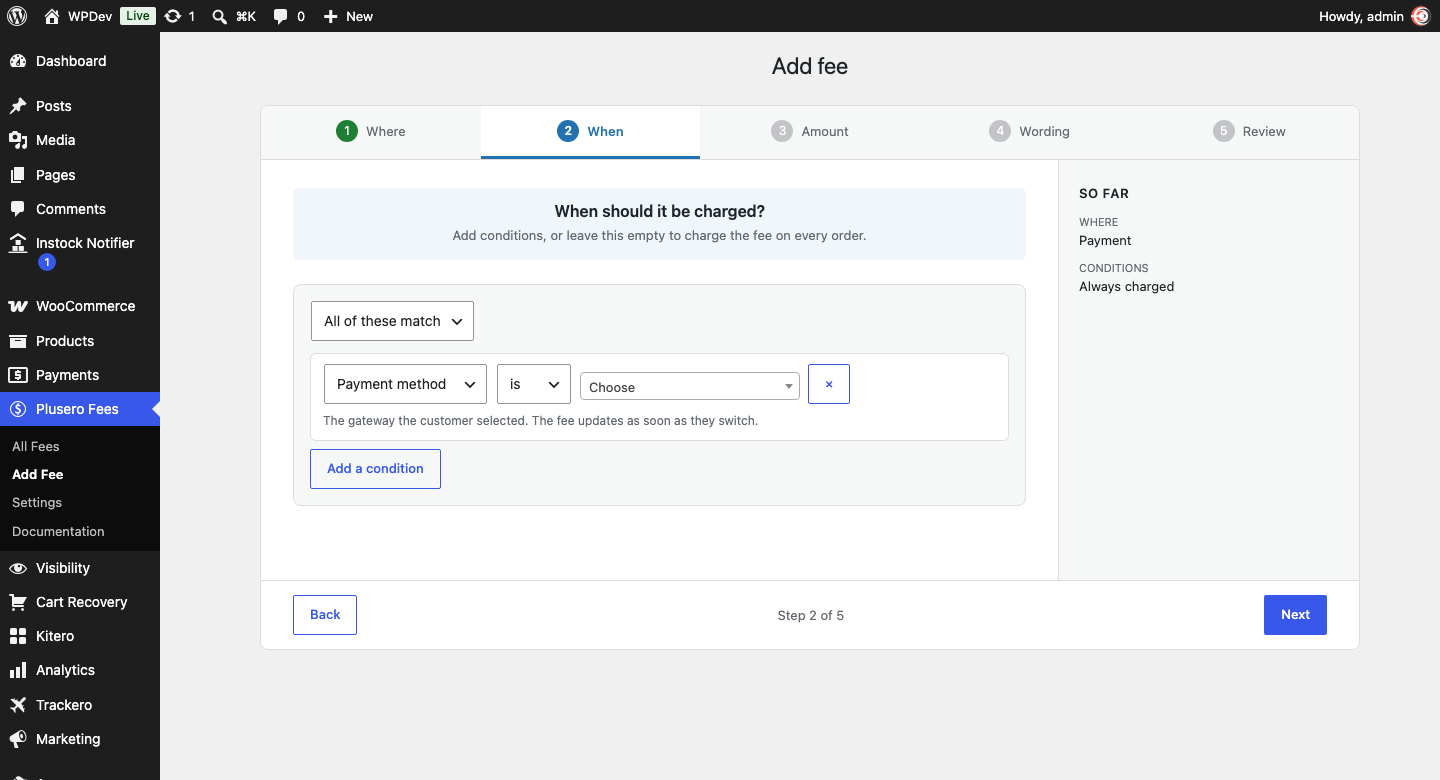
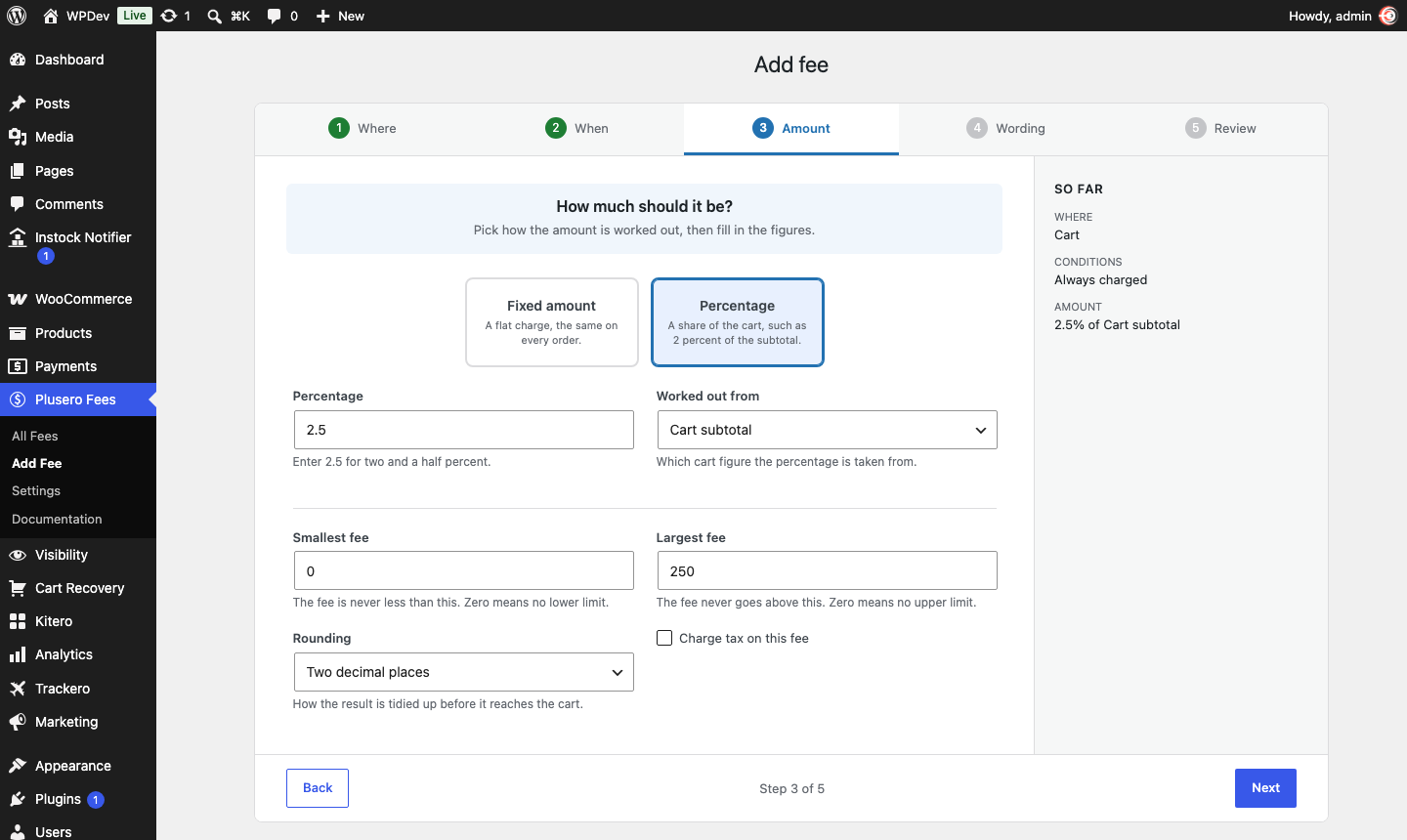
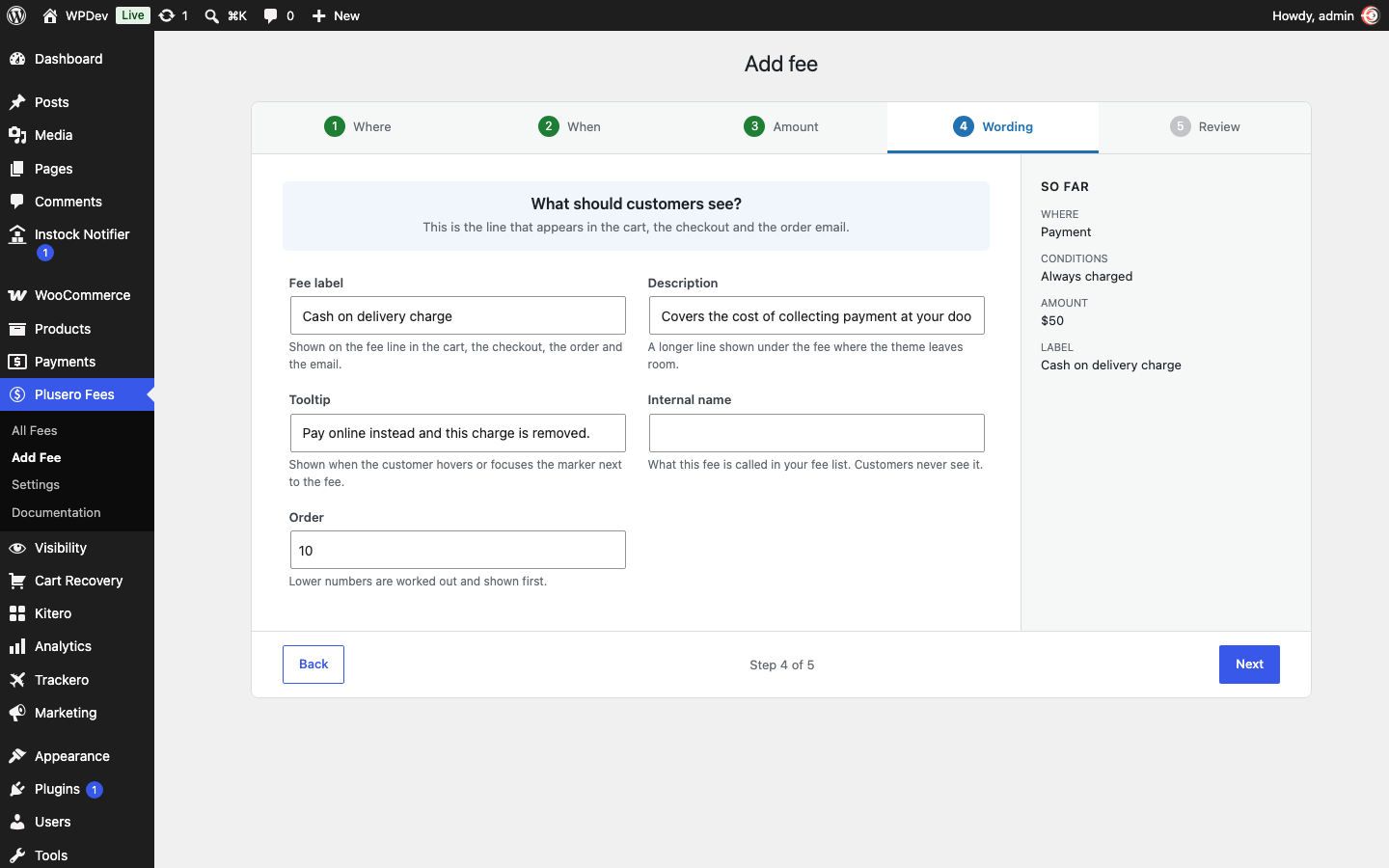
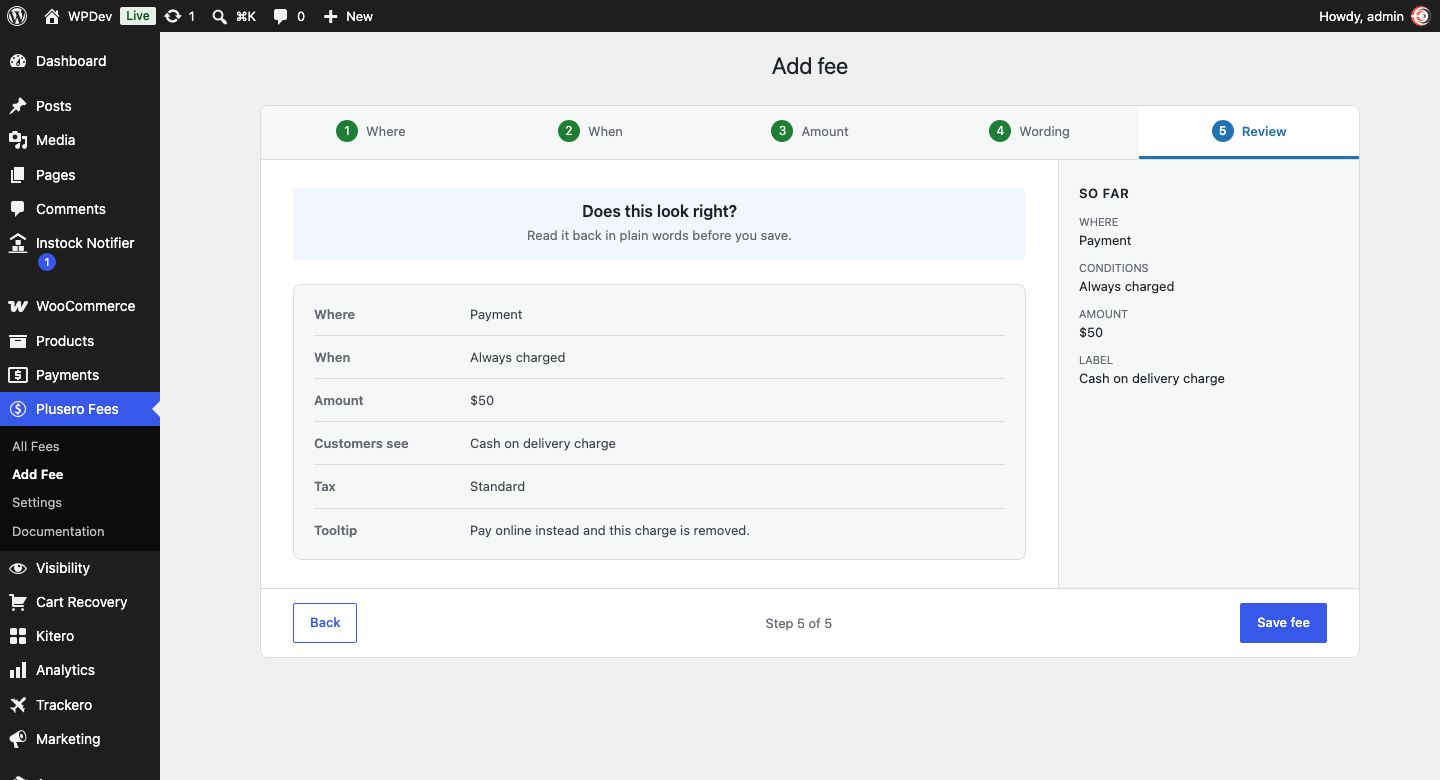
Fees are built through a short guided flow that asks five plain questions: where the fee applies, when it should be charged, how much it should be, what customers should see, and whether it reads correctly. Every answer is shown back to you as a sentence before you save, so you know what you built.
What you can do
- Charge fees in five places: on a product, on the cart, at checkout, by shipping method, or by payment gateway.
- Build as many fees as you need. There is no limit of any kind on how many you create.
- Decide when a fee applies using cart subtotal, total quantity, a chosen product or variation, a product category, customer role, billing country, payment method or shipping method.
- Combine conditions so that either all of them must match, or any one of them is enough.
- Charge a fixed amount, or a percentage of the cart subtotal with or without tax.
- Set a smallest and a largest amount, which keeps a percentage fee sensible on very large orders.
- Round to two decimals, up to a whole number, or to the nearest 0.05.
- Mark a fee taxable and pick which tax class it uses.
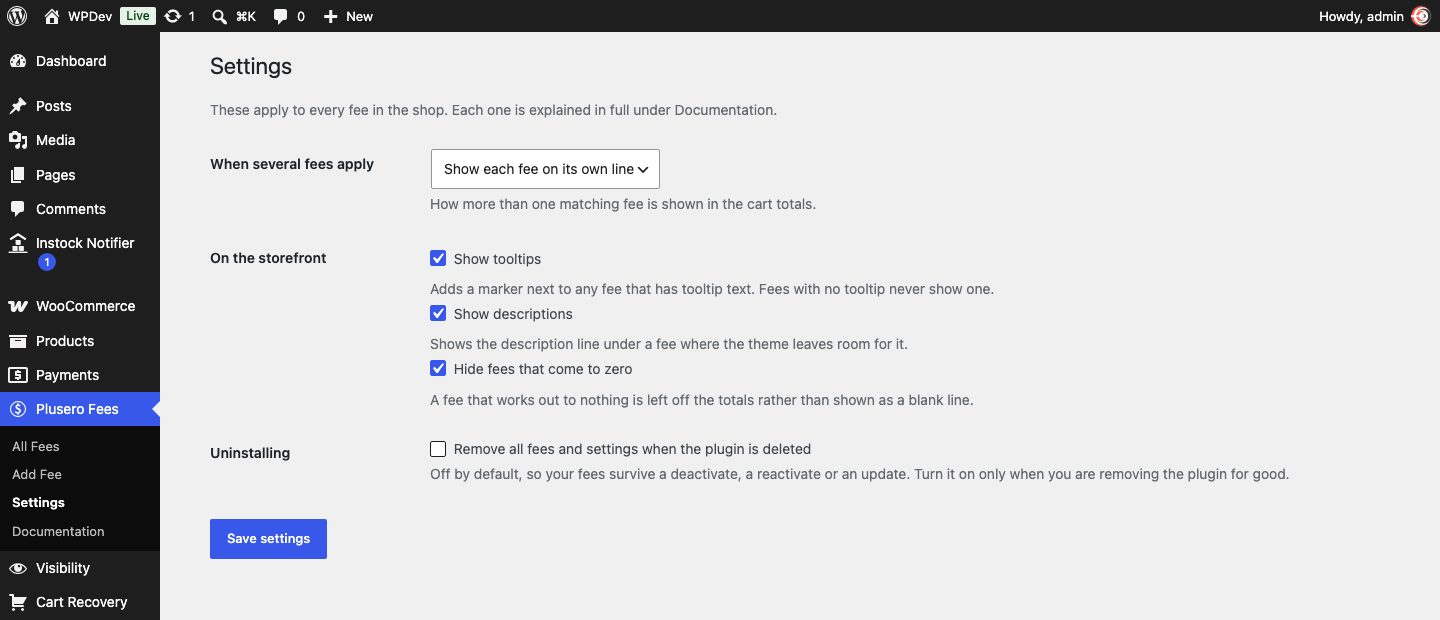
- Give each fee a customer facing label, a description and a tooltip.
- Decide the order that fees are worked out and displayed in.
- Switch a fee off without deleting it, or duplicate one as the starting point for another.
Fees that react to checkout
A payment fee reads the gateway the customer selected and recalculates the moment they switch, so a cash on delivery surcharge appears and disappears as they change their mind. A shipping fee does the same with the shipping method they chose. This works on the classic checkout and on the block checkout.
Works where WooCommerce works
Fees are added through the standard WooCommerce cart fee hook, so they appear in the cart, the checkout, the order, the confirmation email and PDF invoices with no extra setup. The classic cart and checkout, the block cart and checkout, and the Store API all show the same totals. High Performance Order Storage is supported.
Built in documentation
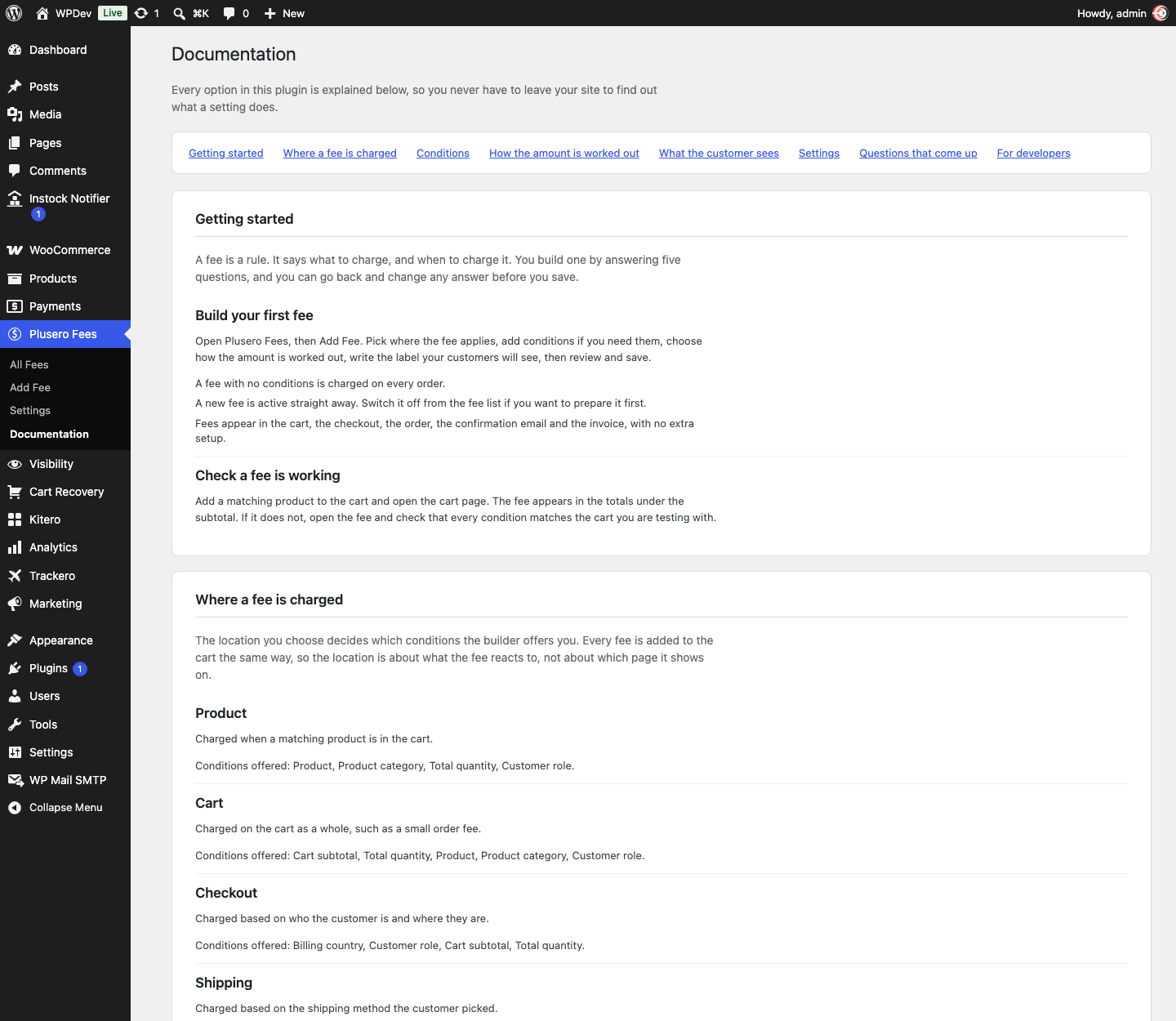
Every option is explained inside your dashboard, under Plusero Fees, Documentation. What each condition means, what each calculation does, and what to check when a fee is not showing. You never have to leave your site to look something up.
Multilingual
Fee labels, descriptions and tooltips are registered with WPML and Polylang automatically when you save a fee, so they can be translated alongside the rest of your shop.
External services
This plugin does not connect to any external service. It makes no remote requests and sends no data anywhere. Everything it stores stays in your own database.
A note about the Pro edition
A separate Pro edition is available from the plugin author with further features, including more condition types, reusable condition sets, tiered amounts, fees the customer can opt into at checkout, scheduling, reporting and import and export.