Your cart is empty.
Browse plugins

Description
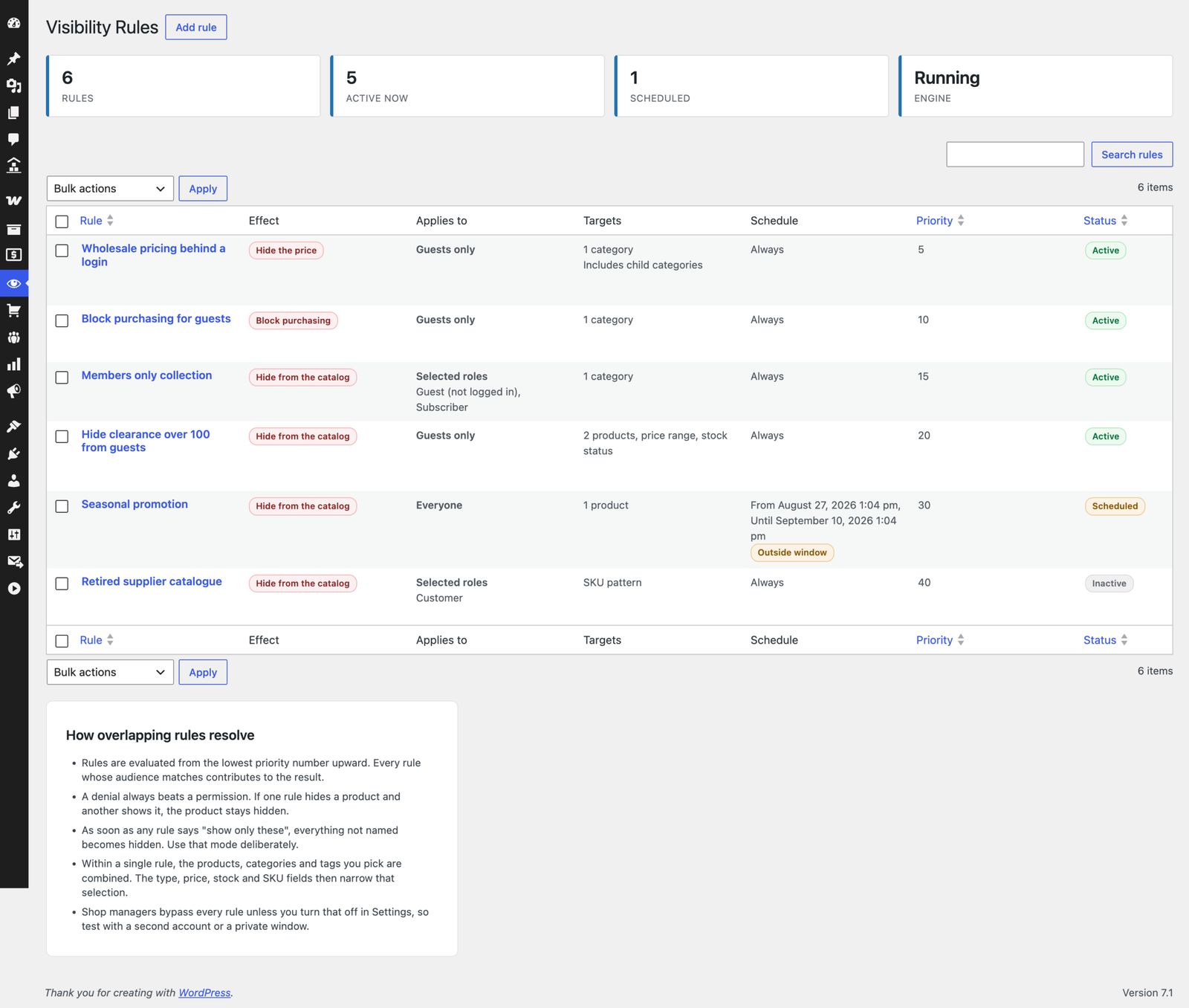
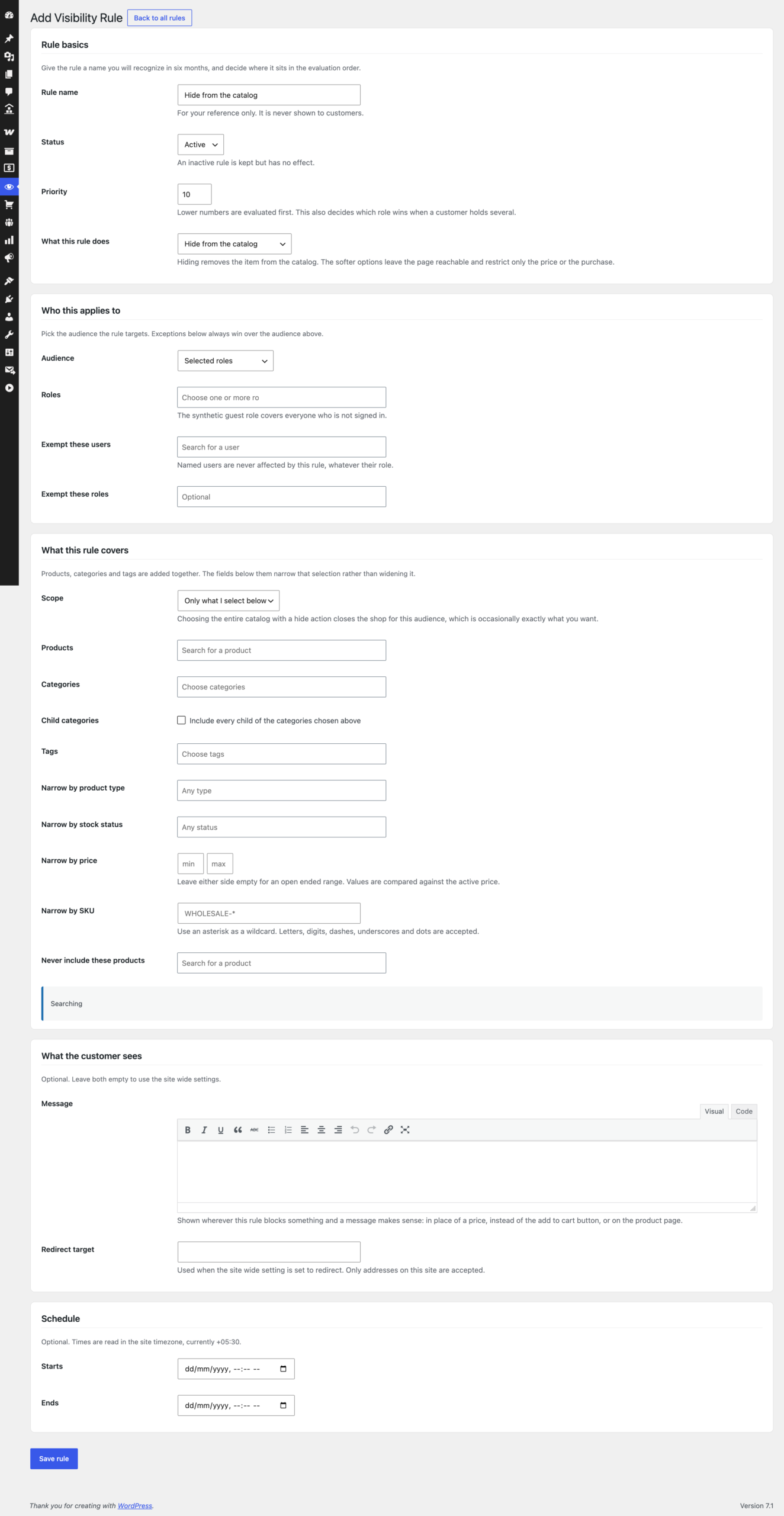
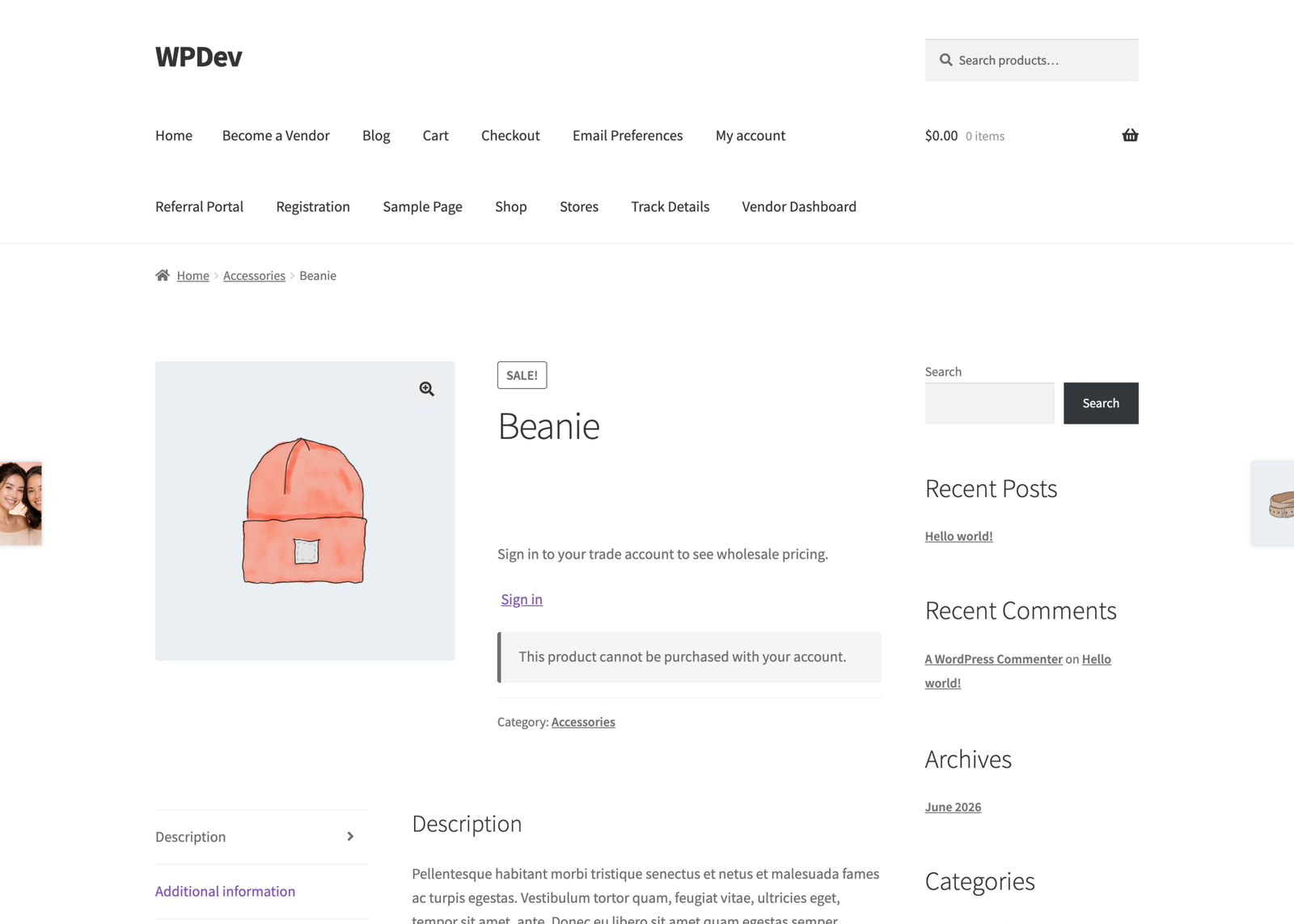
WooCommerce Hide Products decides what each visitor is allowed to see in your catalog. Build a rule from four plain parts: who it applies to, what it covers, what it does, and optionally when it runs. Everything else exists to make sure that rule is actually enforced, everywhere, and that search engines are told something coherent about the result.
Version 10.0 is a complete rewrite. New rule engine, new admin experience, hardened query layer, and full REST and Store API coverage. Your existing settings are imported automatically and the originals are left untouched.
What a rule can do
- Hide from the catalog – removed from listings, search, menus, feeds and the API
- Show only these items – build a restricted catalog from a whitelist
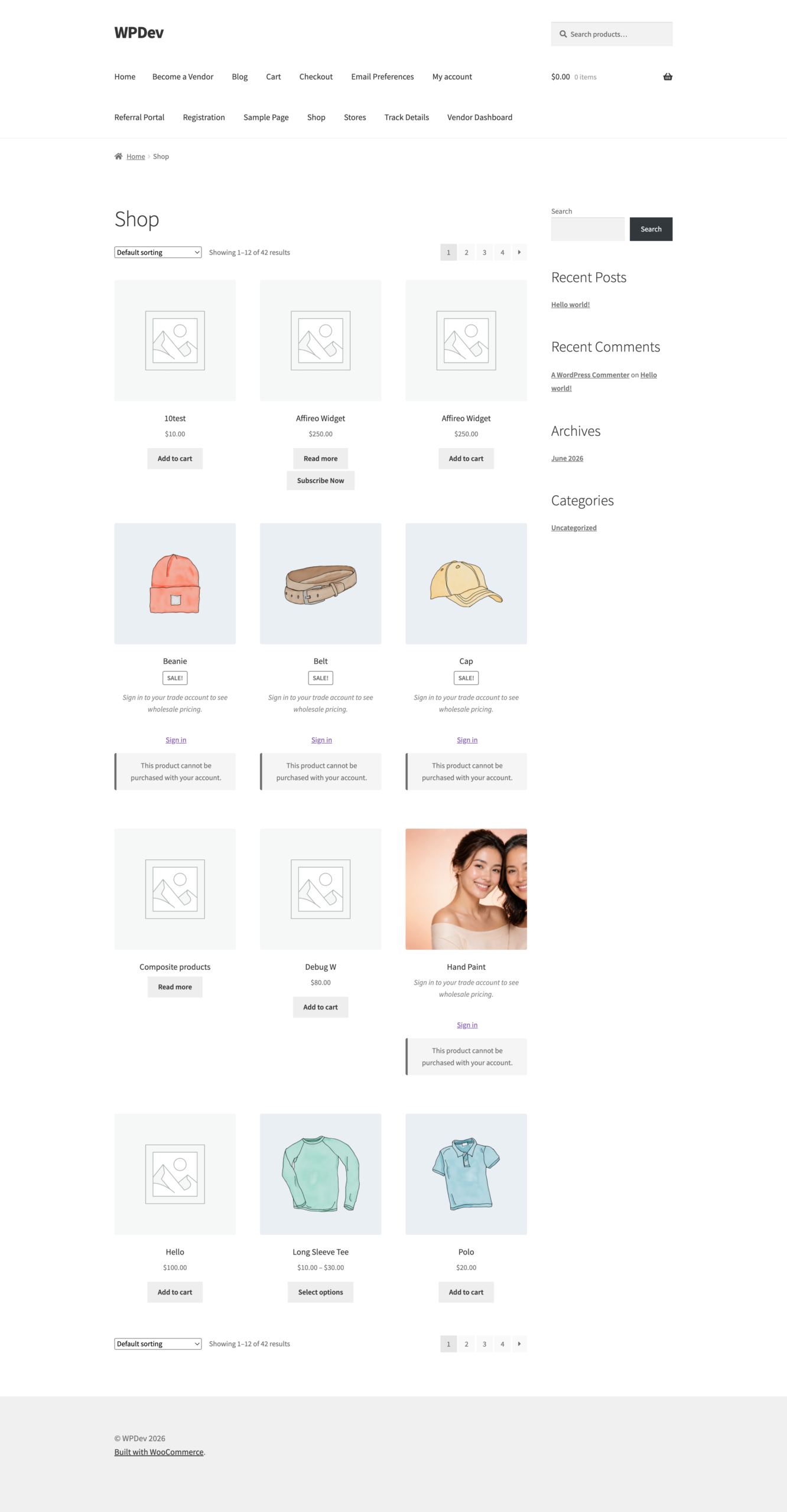
- Hide the price – product stays visible and indexable, price is replaced
- Block purchasing – catalog mode for a role, a region or an approval flow
- Require a signed in account – members only products
Who a rule can target
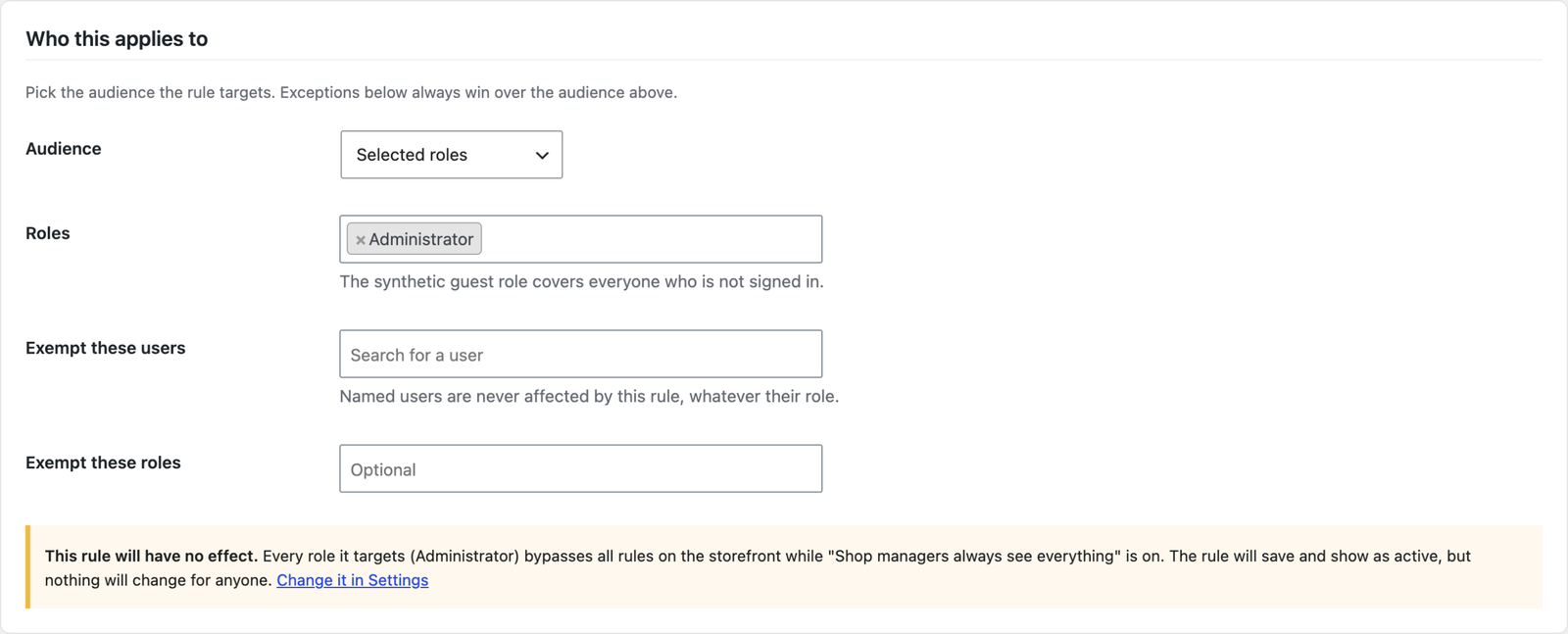
- User roles, including custom roles from any membership or role plugin
- Guests – visitors who are not signed in are a first class audience
- Individual users by name or email
- Anyone holding a capability
- Everyone, or any signed in user
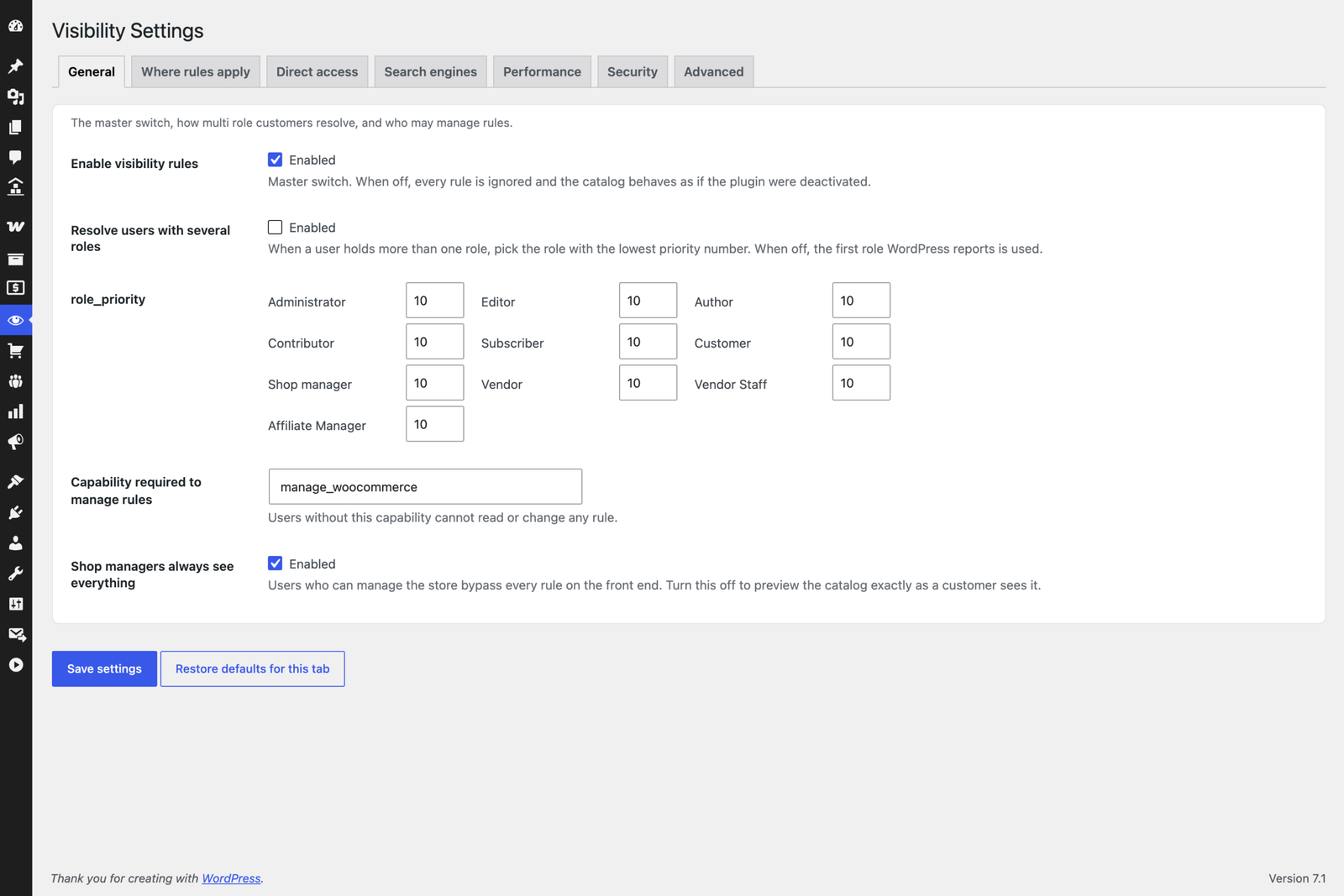
- Exceptions that always win – exempt named users or roles from any rule
- Multiple user roles resolved by a priority order you control
What a rule can cover
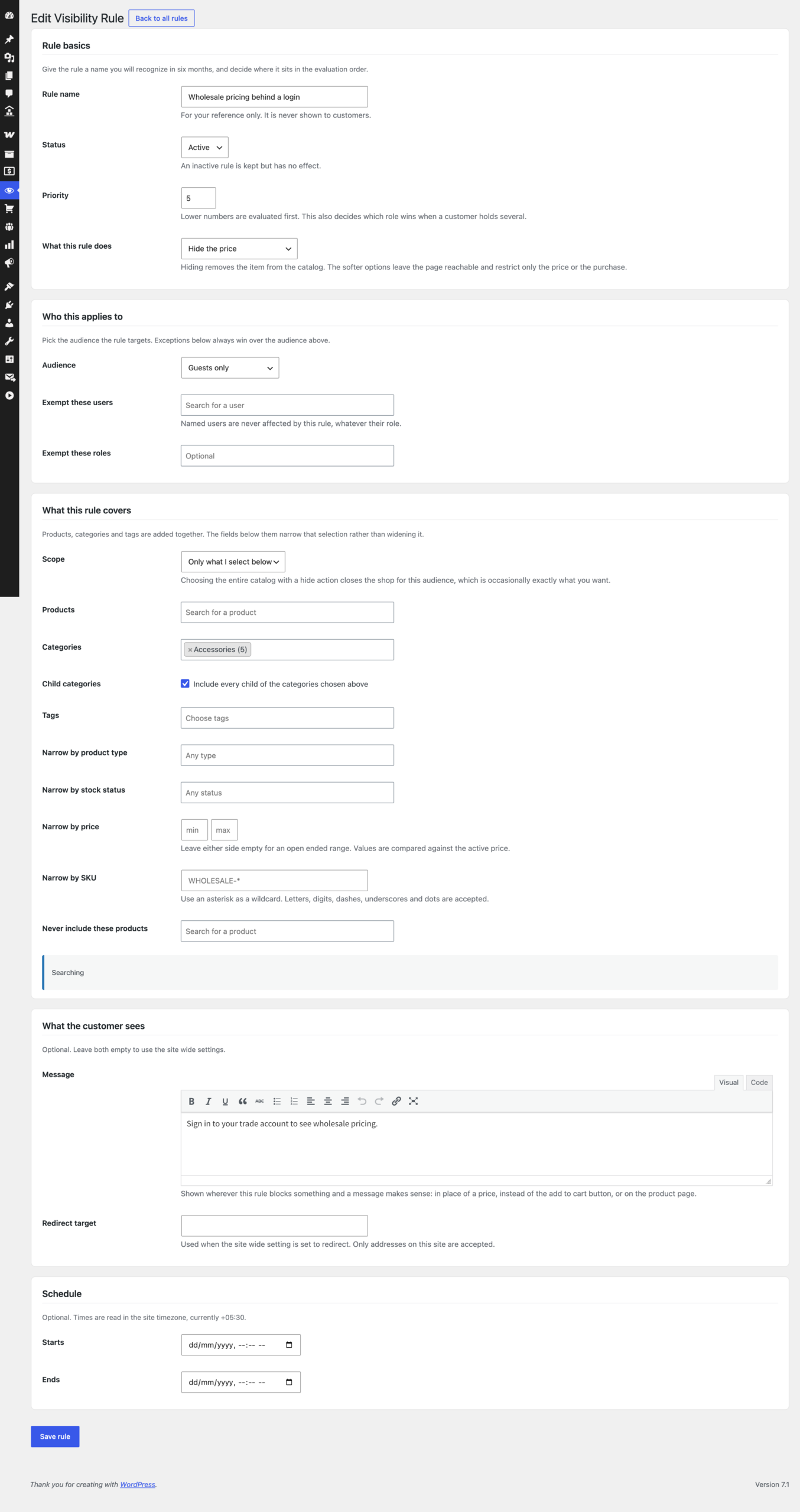
Products, categories and tags are added together. Then these narrow the selection rather than widening it, so everything in Wholesale over 100 that is still in stock is one rule, not four:
- Product type – simple, variable, grouped, external, plus any type an extension registers
- Stock status – in stock, out of stock, on backorder
- Price range – compared against the active price, so a sale price is what counts
- SKU pattern – wildcards, for example
WHOLESALE-* - Product attributes
- Child categories of the parents you chose, at any depth
- Never include these products – one exception inside an otherwise correct rule
Where the rules are enforced
Removing a product from the shop page is presentation. Enforcement means every way of reaching that product agrees:
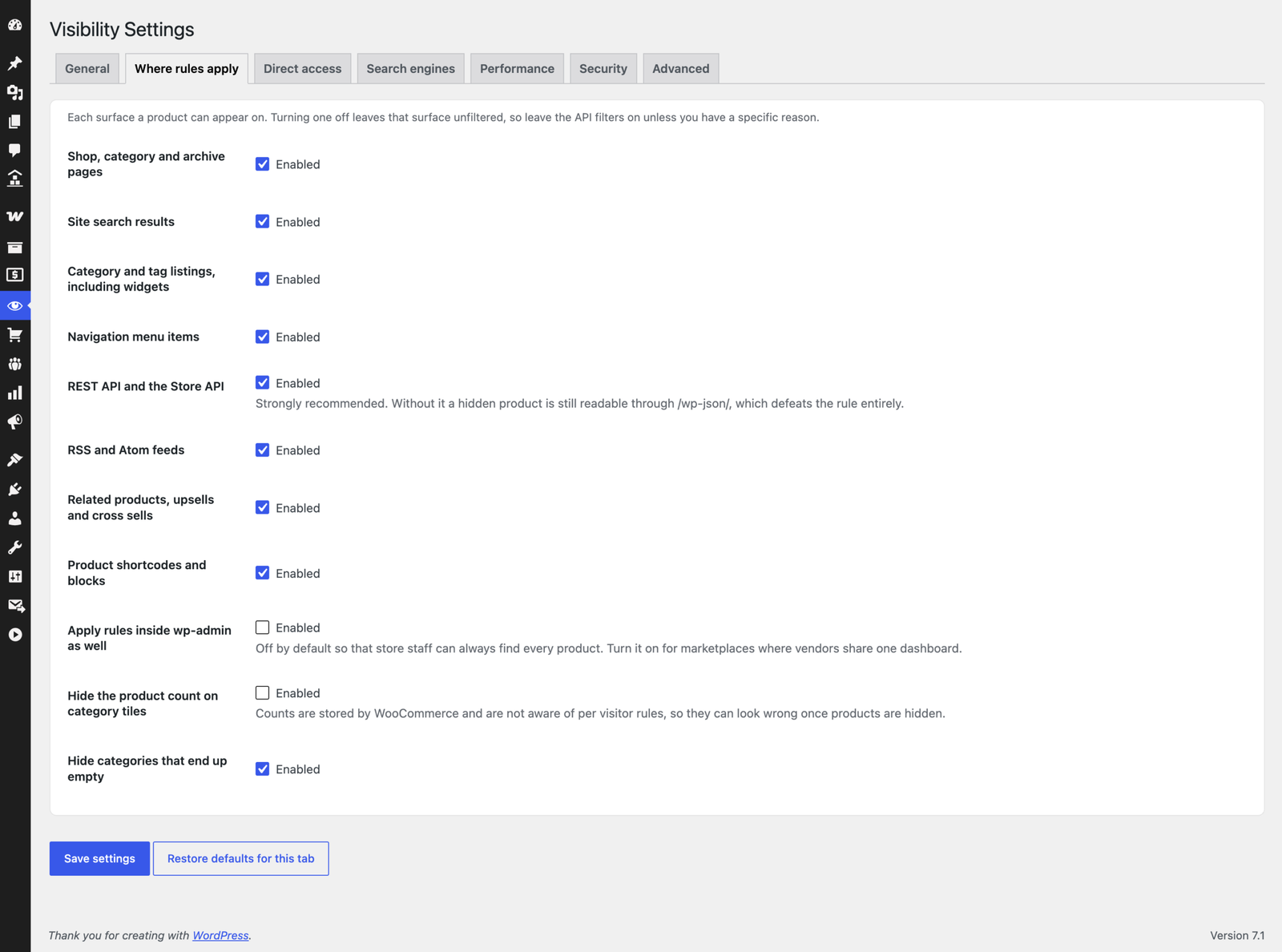
- Shop, category, tag and search pages
- Site search and product suggestions
- Navigation menus, pruning descendants along with their parent
- Related products, upsells, cross sells and grouped children
- Product shortcodes and WooCommerce blocks
- RSS and Atom feeds
- The WordPress REST API, the WooCommerce REST API and the Store API
- oEmbed and preview endpoints
- The cart, revalidated on every load and again at checkout
- XML sitemaps and structured data
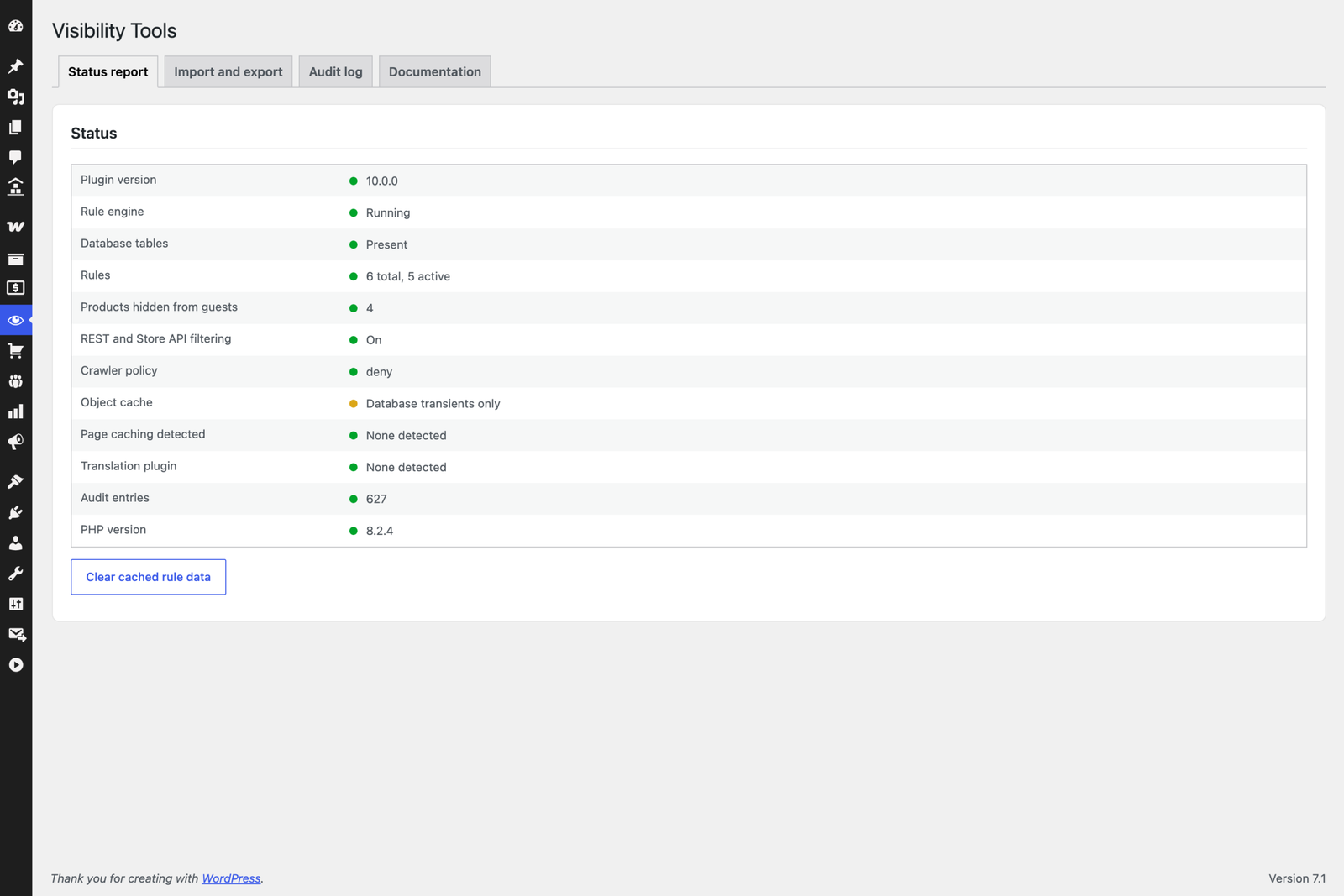
Why the API layer matters more than it sounds. A modern WooCommerce store answers on /wp-json/wc/store/v1/products, which is public by design and returns catalog data with no template code running. A plugin that filters only the main query hides a product from the shop page while leaving it fully readable at that URL, to anyone, with no authentication. That single gap voids every rule. This plugin closes it by default, and the built in status report warns you if it is ever switched off.
Built for SEO, not against it
Restricting a catalog and ranking well are not in conflict, but they interact in ways that are easy to get wrong. The position this plugin takes is that a gated page should be honest and excluded, not clever and indexed.
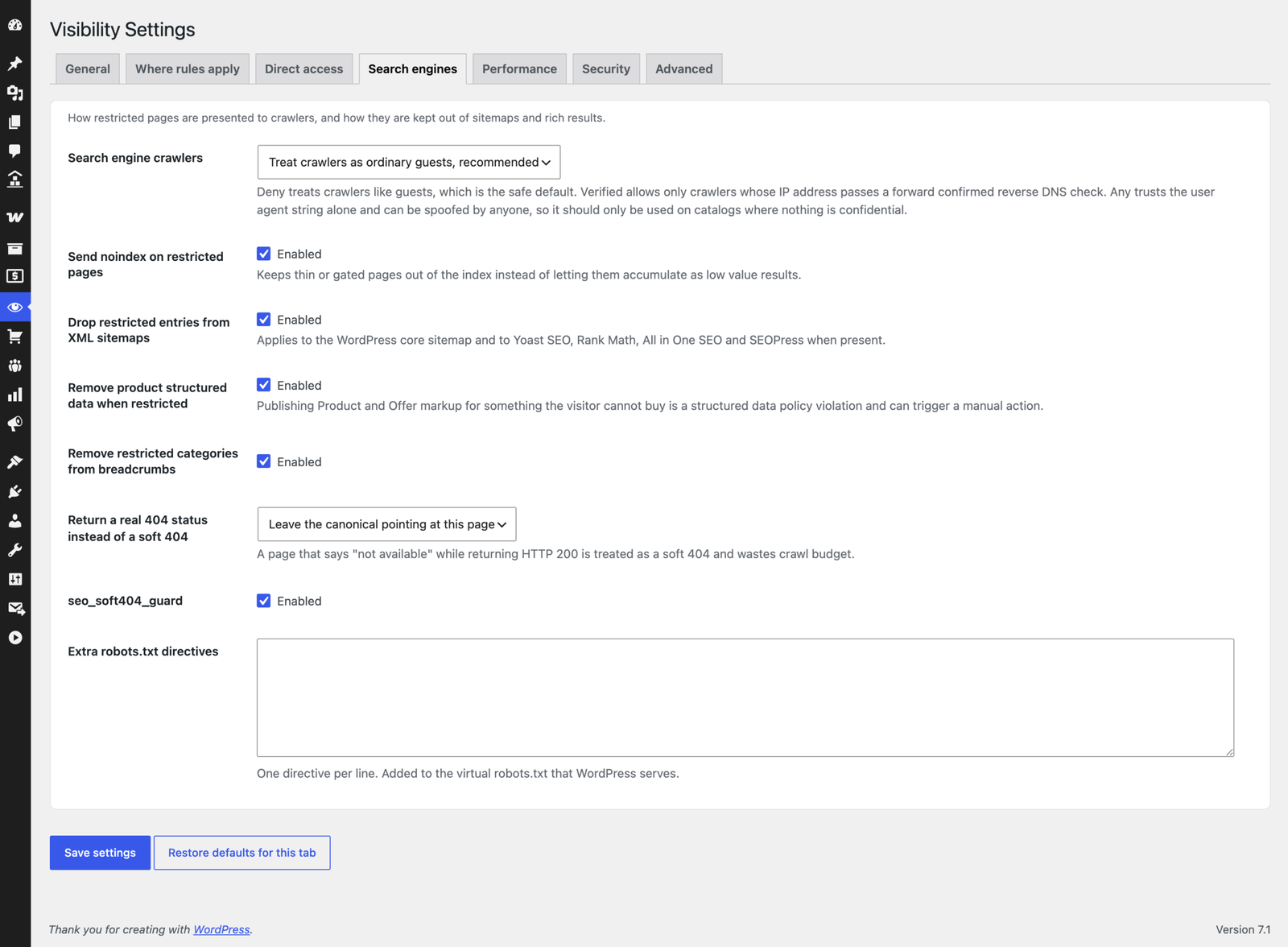
- Crawlers see the guest view by default, so what is indexed and what is public stay in agreement
- noindex, follow on restricted pages – keeps thin gate pages out of the index while link equity still flows through to the pages that are public
- Dropped from XML sitemaps – WordPress core plus Yoast SEO, Rank Math, All in One SEO and SEOPress. Sitemaps are always built against the guest policy, never against whoever requested the file
- Structured data is corrected – when a price is hidden the Offer is removed, because marking up a price the visitor cannot see is a structured data policy violation, not merely untidy
- Breadcrumbs pruned – no dead internal links and no false BreadcrumbList claims
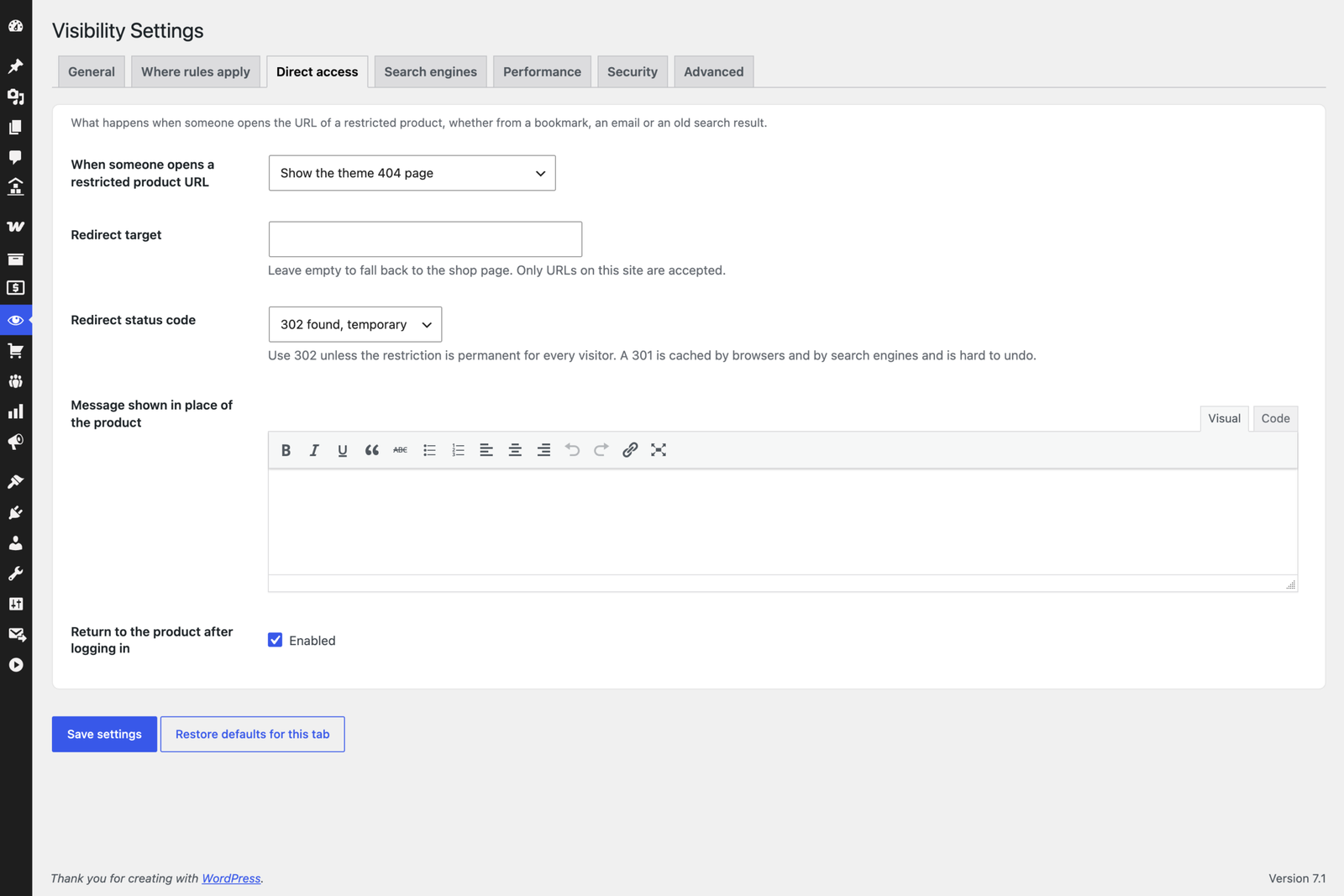
- Real 404 instead of a soft 404 – a page that says “not available” while returning HTTP 200 wastes crawl budget
- Configurable canonicals, defaulting to leaving them alone
Choosing the right tool matters: hide removes the page from the index, while hide price and block purchasing keep the page indexable and keep its inbound links working. For most wholesale stores the second is what you actually want.
Security
- Every database statement is prepared. Identifier lists are bound through
$wpdb->prepare()with placeholders generated from a count, never concatenated - Nonce, then capability, then rate limit on every state changing request
- Verified crawler detection using forward confirmed reverse DNS, the method every major search engine documents. A
User-Agentheader alone proves nothing and is never trusted by default - Forwarding headers ignored unless the site declares it sits behind a trusted proxy
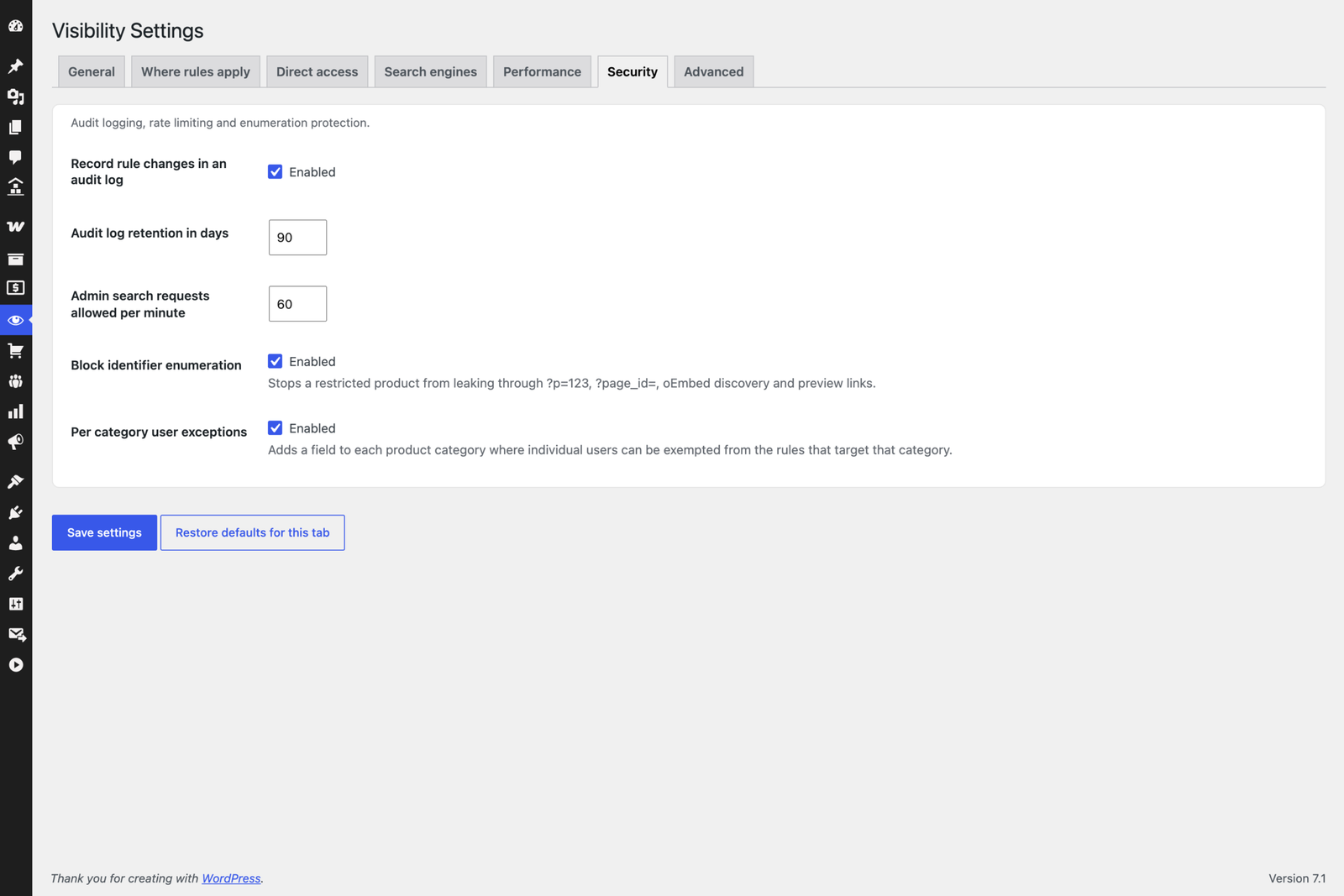
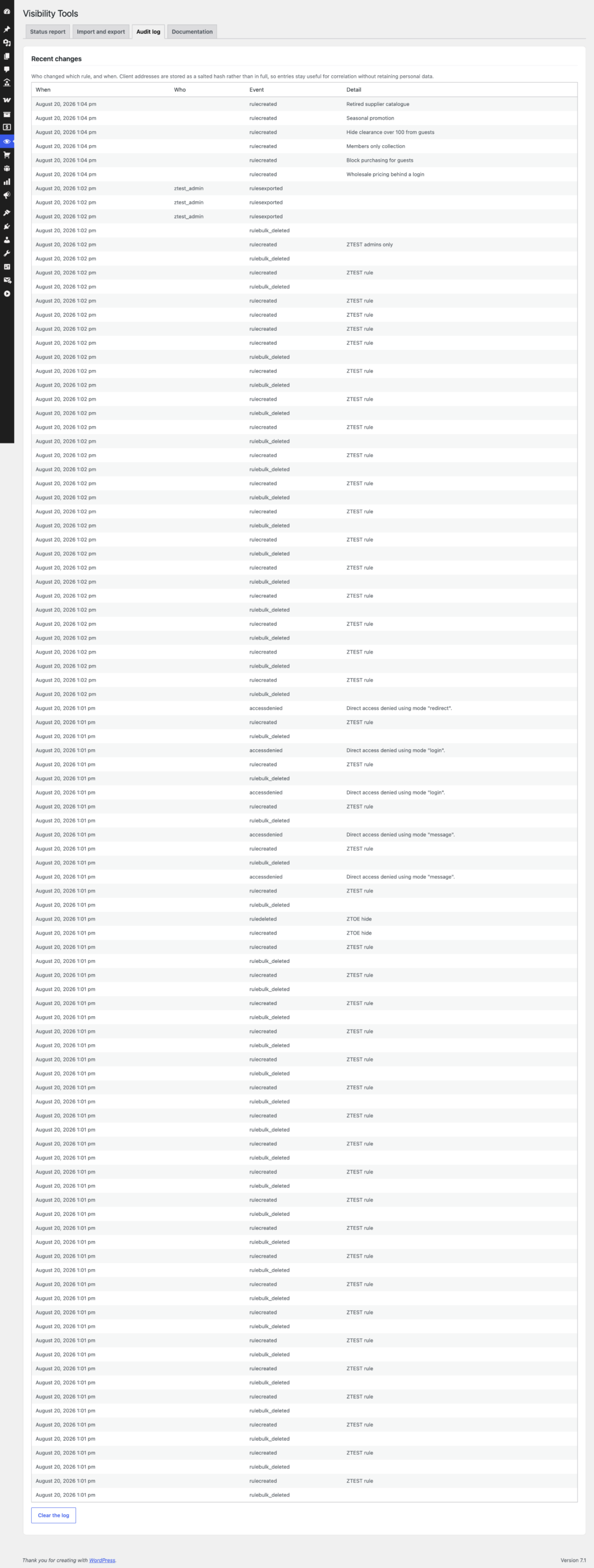
- Audit log of every rule change, storing a salted hash of the client address rather than the address itself
- No unauthenticated AJAX handler and no public REST route anywhere in the plugin
- Uploaded import files are confirmed as genuine uploads, size capped, depth limited on decode and validated field by field
Built in tooling
- Live match count in the rule editor, so you can see how many products a rule covers before you save it
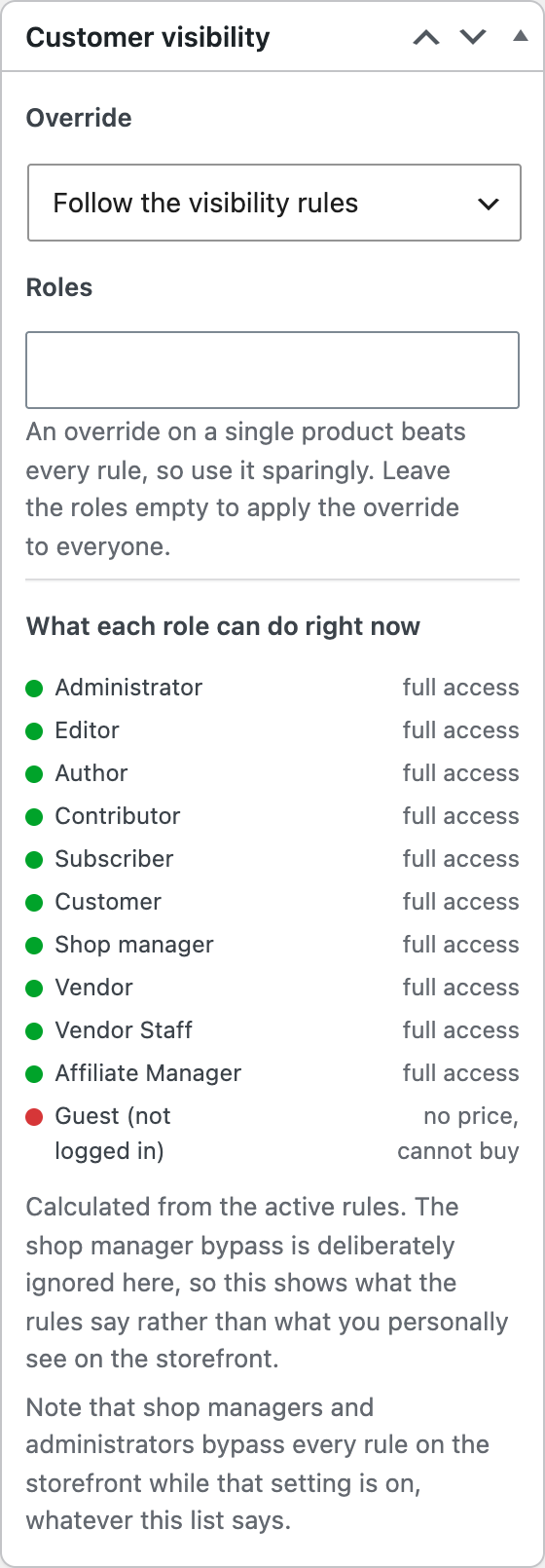
- Per product panel showing exactly what every role can do with that product: full access, hidden, no price, cannot buy or must sign in
- Per product overrides for the one item that needs an exception
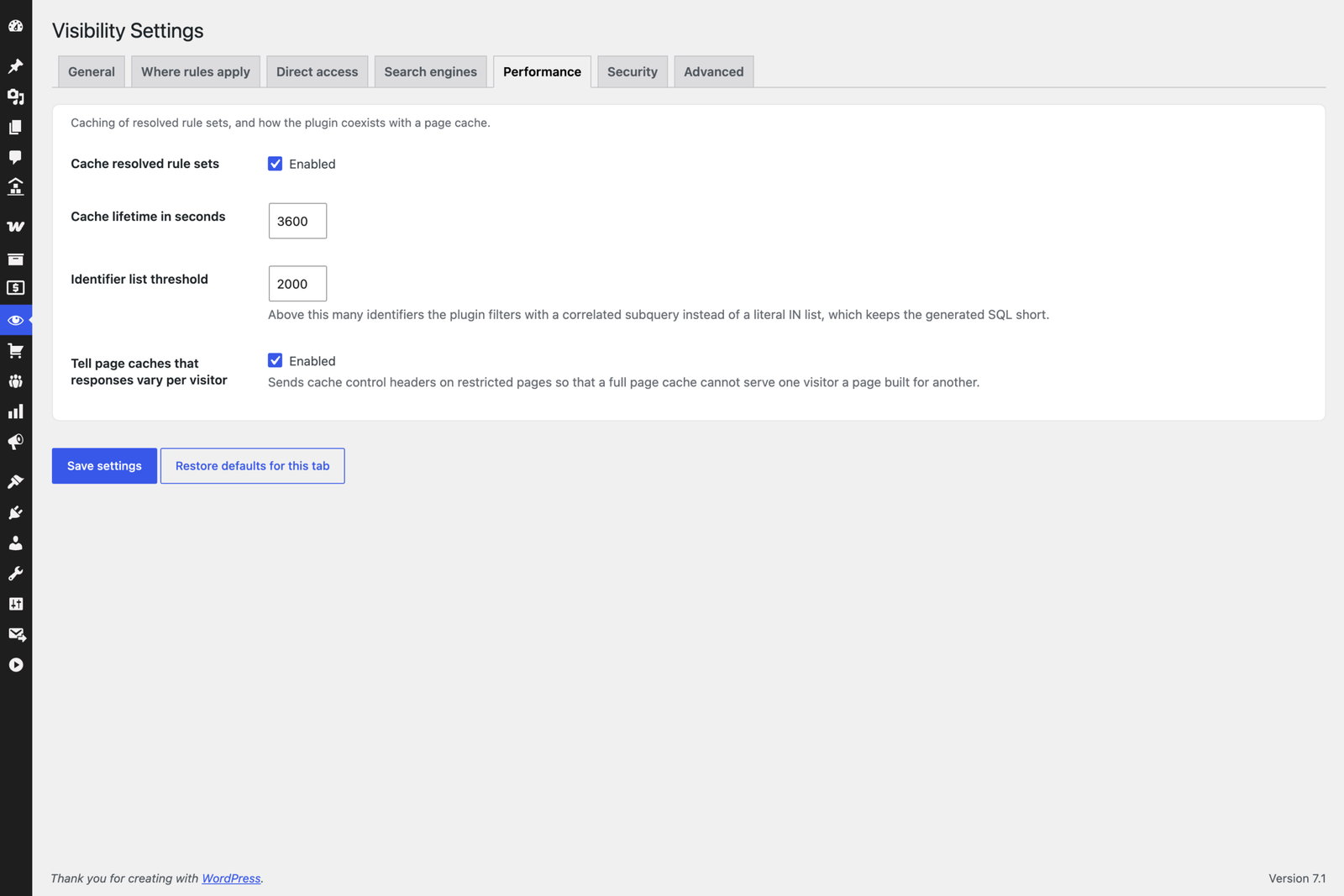
- Status report naming the page caching layer it detected and what that means for rule enforcement
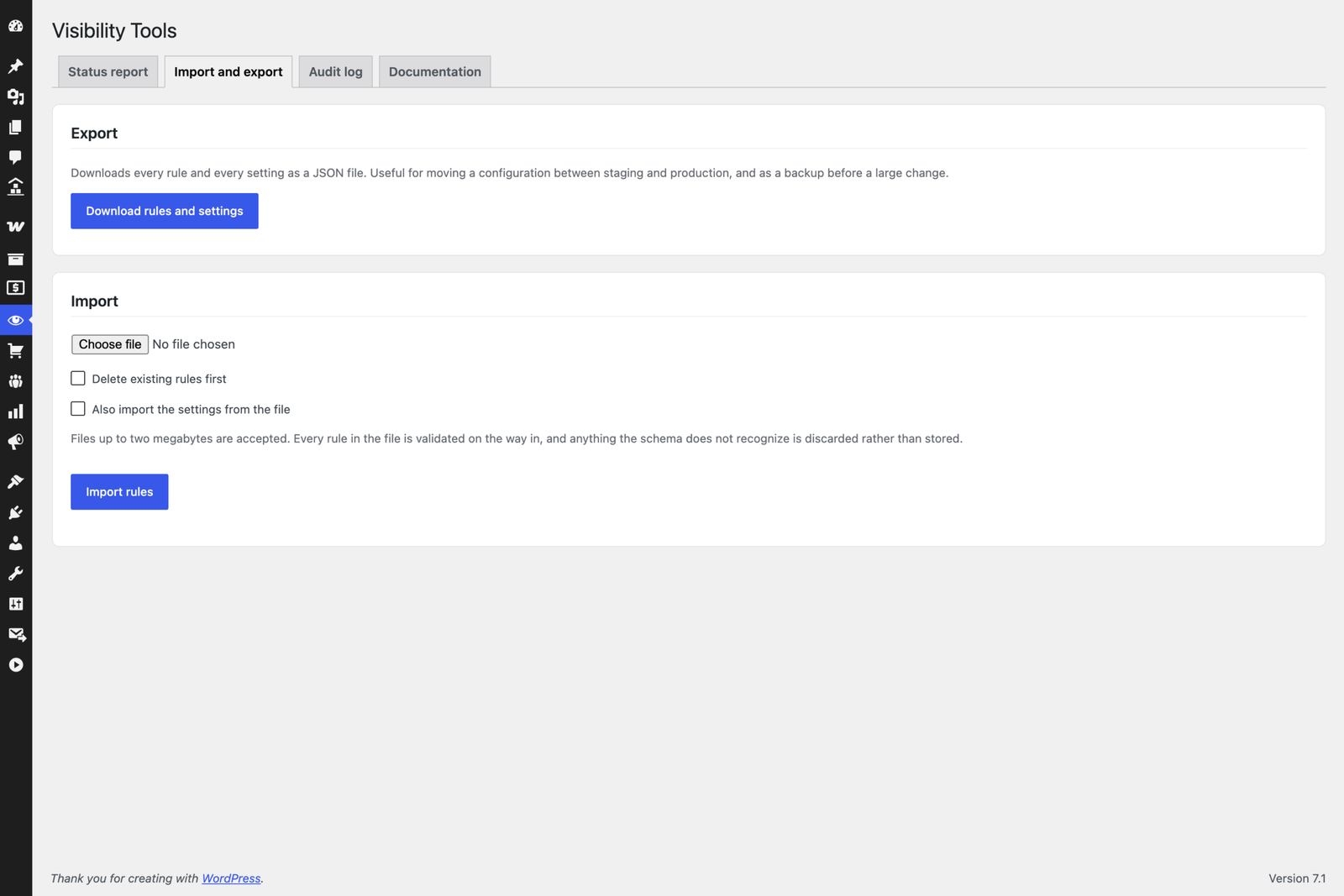
- Import and export of rules and settings as JSON, for moving a configuration between staging and production
- Audit log of who changed which rule and when
- Scheduling – run a rule between two dates and it takes effect and expires on its own
For developers
- More than twenty documented filters and fourteen actions
- A full authenticated REST API under
cwgpv/v1 - WP-CLI commands, including
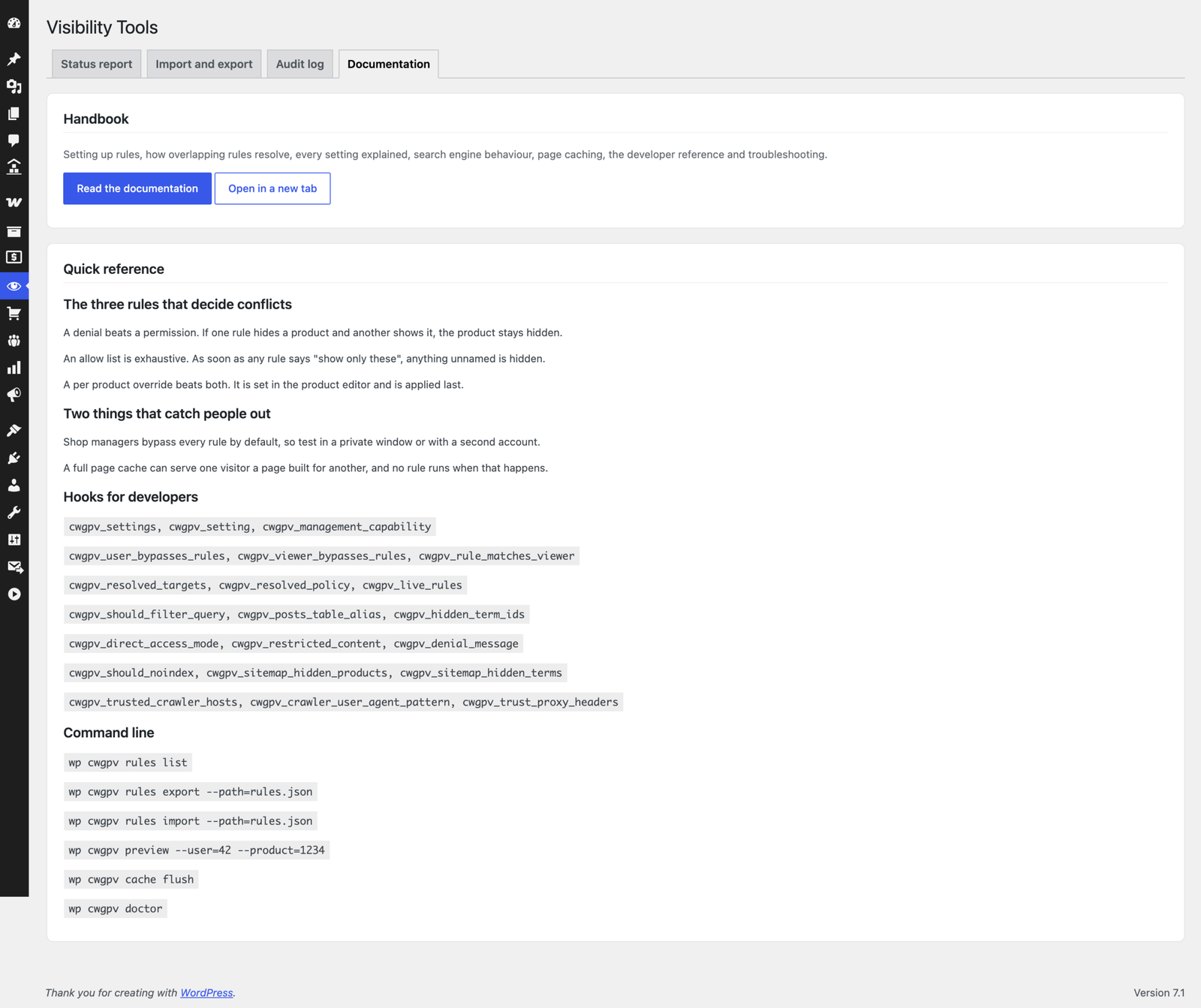
wp cwgpv preview --user=42to check exactly what one account can see, andwp cwgpv doctorfor a configuration audit. Both are safe to run in CI - PSR-4 style autoloading, one policy object per request, and a translation ready codebase with a bundled POT file
Compatibility
- WPML and Polylang – select only the parent product or category and every translation is covered automatically
- All WooCommerce product types, with variations covered when the parent is restricted
- High Performance Order Storage and the block based cart and checkout, both declared compatible
- YITH Ajax Product Filter and Ajax Search
- WooCommerce product blocks in the block editor
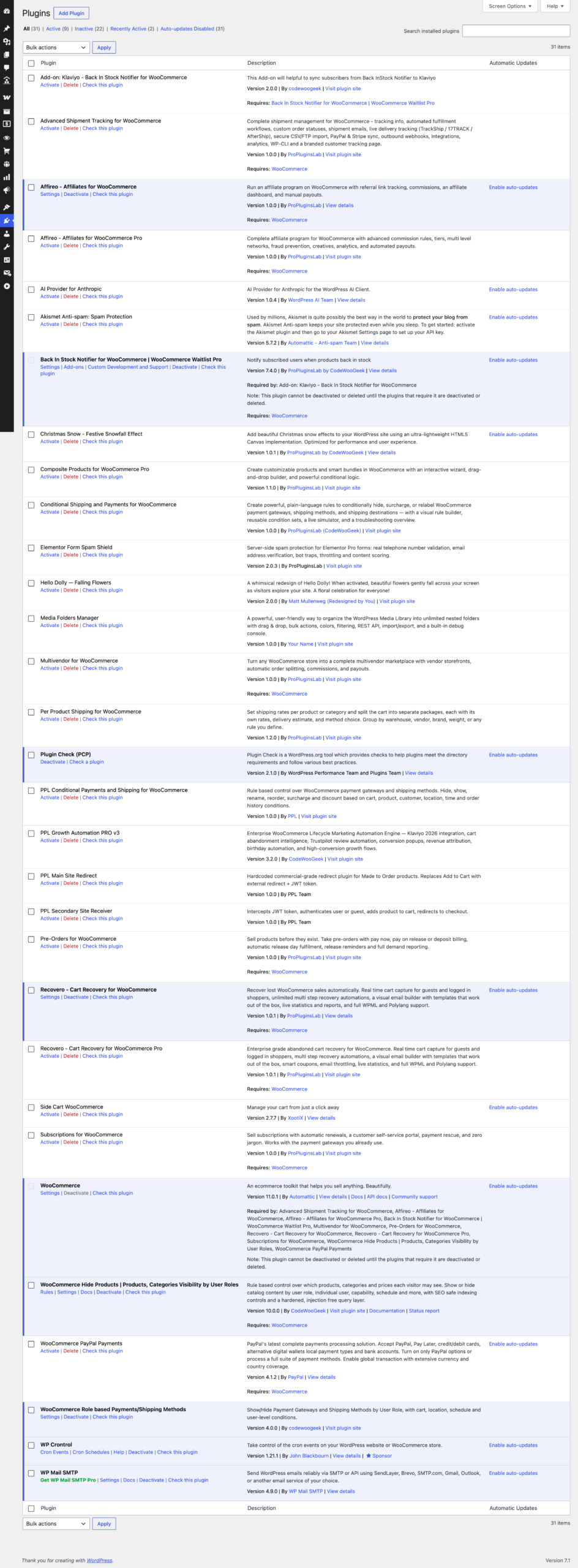
- Page cache coordination with WP Rocket, W3 Total Cache, WP Super Cache, LiteSpeed, WP Engine and SiteGround Optimizer
- Any standard theme that supports WooCommerce
Requirements
- WordPress 6.0 or newer
- WooCommerce 6.0 or newer
- PHP 7.4 or newer, 8.1 or newer recommended
- A persistent object cache such as Redis or Memcached is recommended but not required
Need of assistance?
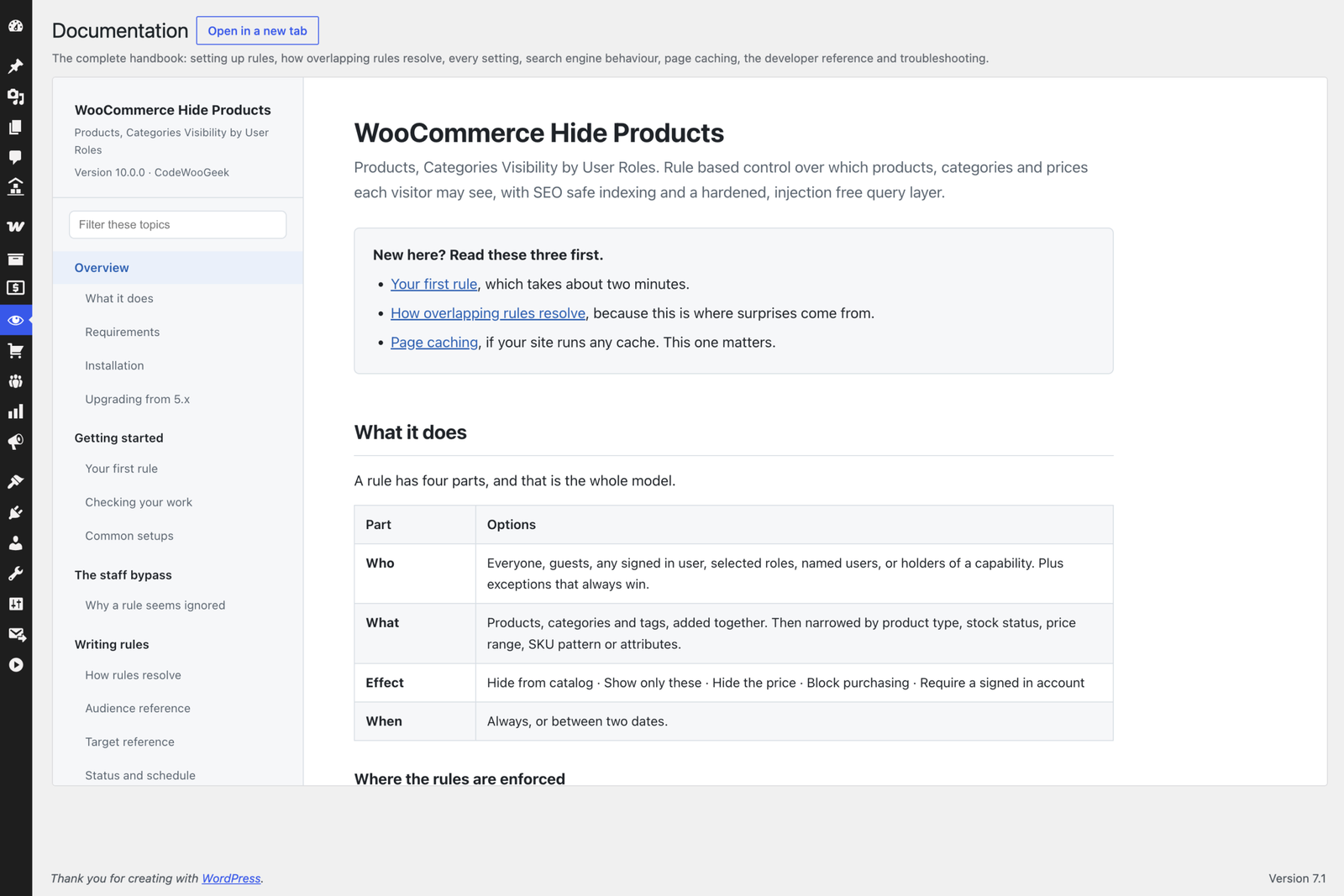
Complete documentation ships inside the download. Open the documentation folder and load index.html in your browser, or read it without leaving your dashboard at Visibility → Documentation. It covers setup, how overlapping rules resolve, every setting explained, search engine behaviour, page caching, the developer reference and troubleshooting.
Related products

Plugins
Giftero - Gift Cards for WooCommerce
Gift Cards for WooCommerce is a complete gift card plugin with a live card designer, atomic…
From
$59.00
One-time
CodeCanyon Plugins
WooCommerce Role based Payments and Shipping Methods
$29.00
One-time

Plugins
Trackero - Advanced Shipment Tracking for WooCommerce
Complete fulfillment manager for WooCommerce: unlimited tracking numbers, 55+ carriers, custom order statuses (Shipped, Partially Shipped,…
From
$59.00
One-time