
Your cart is empty.
Browse plugins
Description
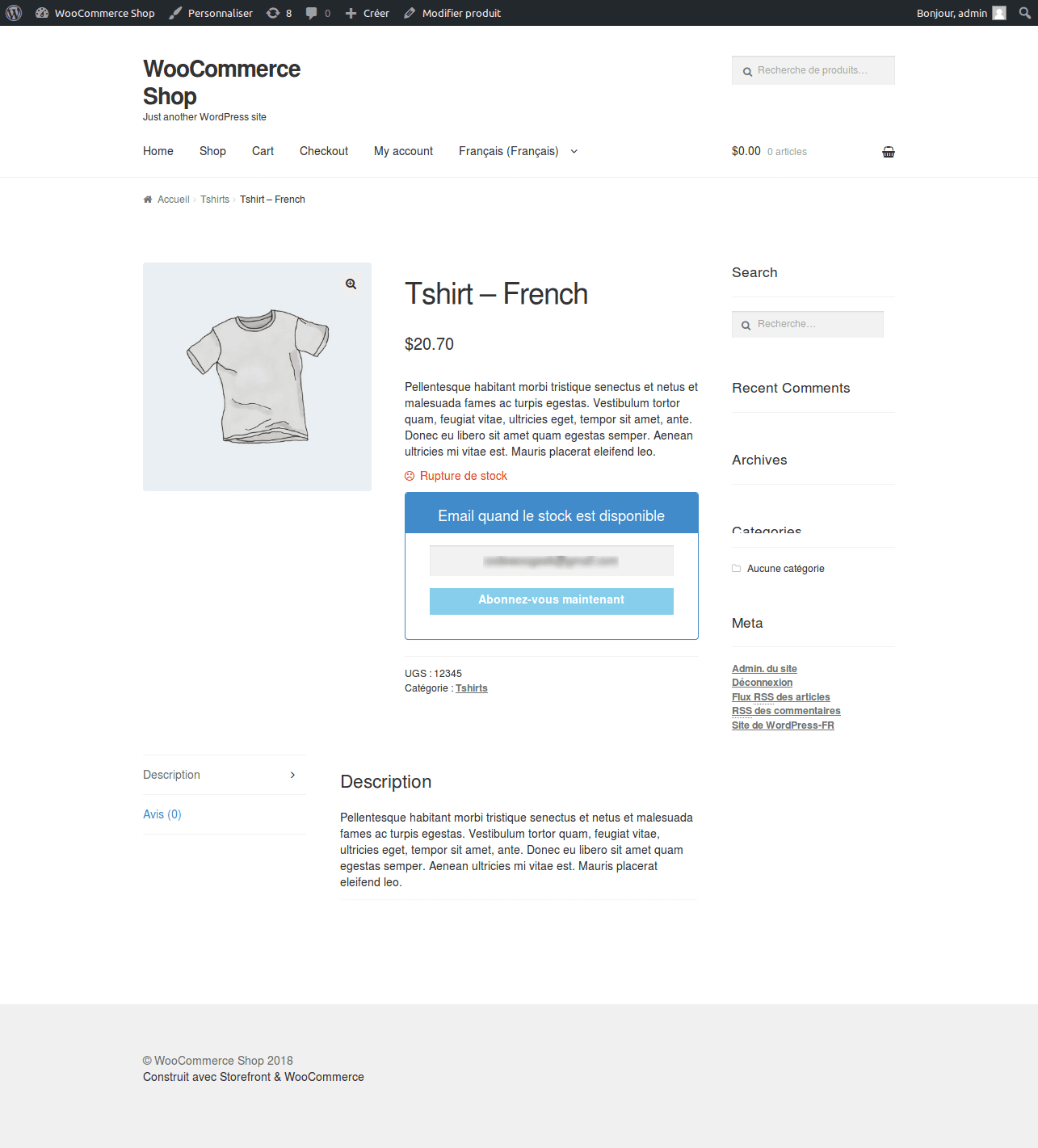
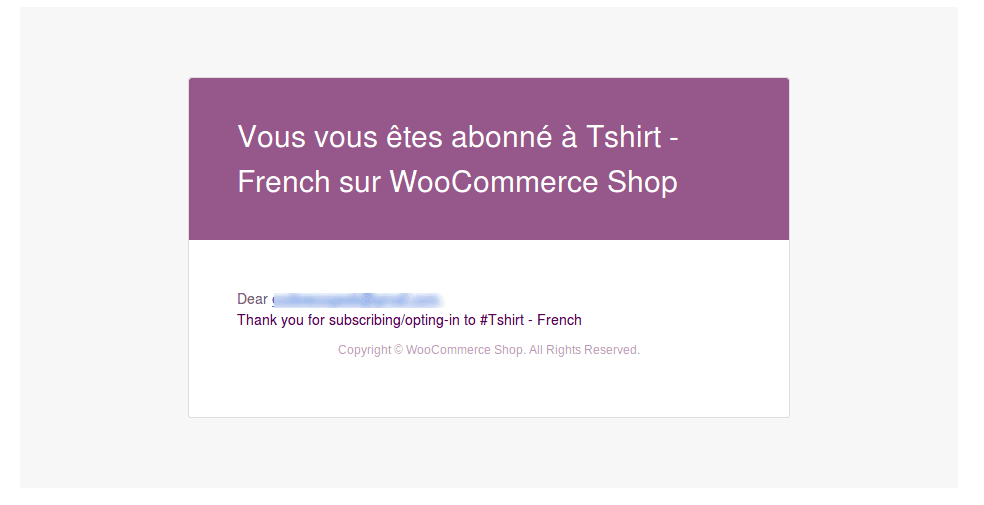
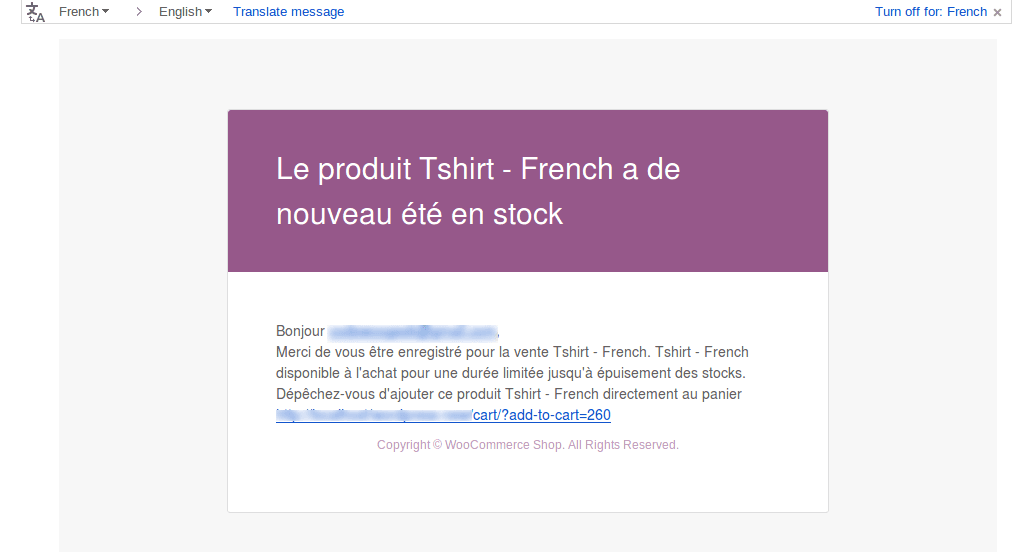
WPML – Back In Stock Notifier is the Premium Add-on Plugin which support sending mail based on user chosen language when upon product subscribe as well in-stock mail.
Why you need this add-on?
This Plugin is essential when you use WPML, why because it will send an in-stock mail to your subscribers based on their language. For example your site is Swedish language, user subscribed to your out of stock product from Japanese Language, if you send in-stock mail from Swedish language then user from japan never understand that mail unless you send mail to their language, so to overcome this situation we detect the subscriber language upon subscribing the product and send a in-stock mail automatically.
Once our WPML Plugin is activated it will register string translation in WPML automatically, in order to edit translation you have to perform following steps
1. In backend go to WPML->String Translation
2. In String Translation in the top right of the page there is a dropdown “Select strings within domain:” select “admin_texts_cwginstocksettings“
3. Once you selected it will list all the field value related to back in stock notifier and in the column “String” there is a translations link, click that link to translate respective language, once you done that’s it, our WPML Addon will automatically take care to send in stock mail with appropriate language chosen by subscriber upon subscription also the frontend subscribe form field label.
Features
- Auto Detect User Language
- Automatic Mail to Translated Product when parent product back in stock
- Subscribe and In Stock Mail is based on user language
- Interact user with their language and increase sales instantly when product back in stock
- Unlimited sites
- Anyone can afford to buy this product
- Premium Support
- and many more
Minimum Requirements
- PHP 5.3 or above
- WordPress 4.7 or above
- WooCommerce 2.6 or above
- Back In Stock Notifier for WooCommerce 1.0 or above
Installation
Installation for WPML Add-on can done by manual process. After your successful purchase you can able to download WPML add-on in zip file format. You can simply upload the zip file to wordpress by the following process
- Go to Admin Dashboard Navigate it to Plugins -> Add New
- In there click Upload Plugin -> Select your Downloaded Zip File of WPML Add-on
- Install and Activate it
- You can navigate it to Admin Dashboard -> WPML -> String Translation -> In Top right of the page there is a dropdown “Select strings within domain:” select “admin_texts_cwginstocksettings“
- This is the place where you can translate text for your preferred language.
Changelog
Version 3.0
- Tweak: Code enhanced
- Tweak: Automatic Update Library added with License Key Validation
Version 2.0
- Fix: Back In Stock Email not sent properly for user chosen language
- Tweak: Code enhanced
- Tweak: Validate Cart Link properly
Version 1.4
- Tweak: Code Security Enhancement
Version 1.3
- Tweak: Your Name Field Added in WPML Config File
Version 1.2
- Tweak: Updated Missing Strings for Translation and supported Unsubscribe Add-on Strings
Version 1.1
- Tweak – Tested with Latest Version of WPML
Version 1.0
- – Initial Release
Additional information
| License | Starter License, Growth License, Ultimate License |
|---|
Related products
Back In stock Notifier for WooCommerce: Add-ons
Import CSV - Back In Stock Notifier for WooCommerce
From
$19.00
One-time

Back In stock Notifier for WooCommerce: Add-ons
Ban Emails - Back In Stock Notifier for WooCommerce
From
$19.00
One-time

Back In stock Notifier for WooCommerce: Add-ons
Edit Subscribers - Back In Stock Notifier for WooCommerce
From
$19.00
One-time