
Your cart is empty.
Browse plugins
Description
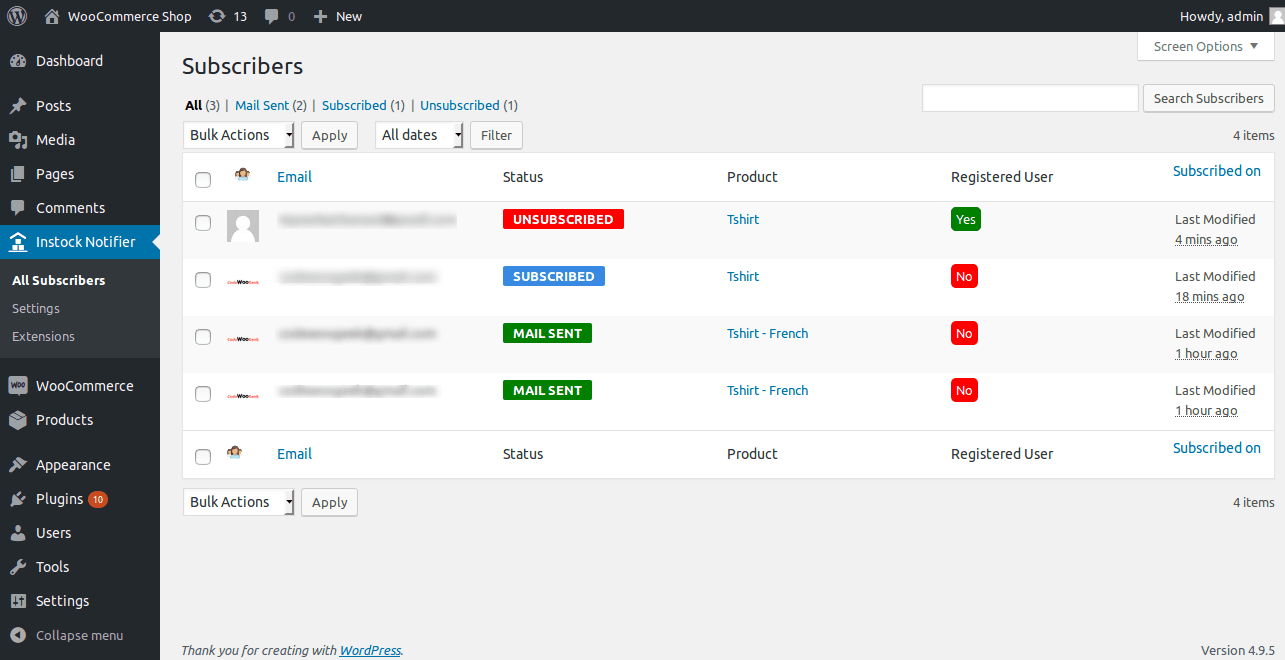
The Unsubscribe Add-On is essential for anyone who wants to allow subscribers to unsubscribe from their previously subscribed ‘back in stock’ notifications.
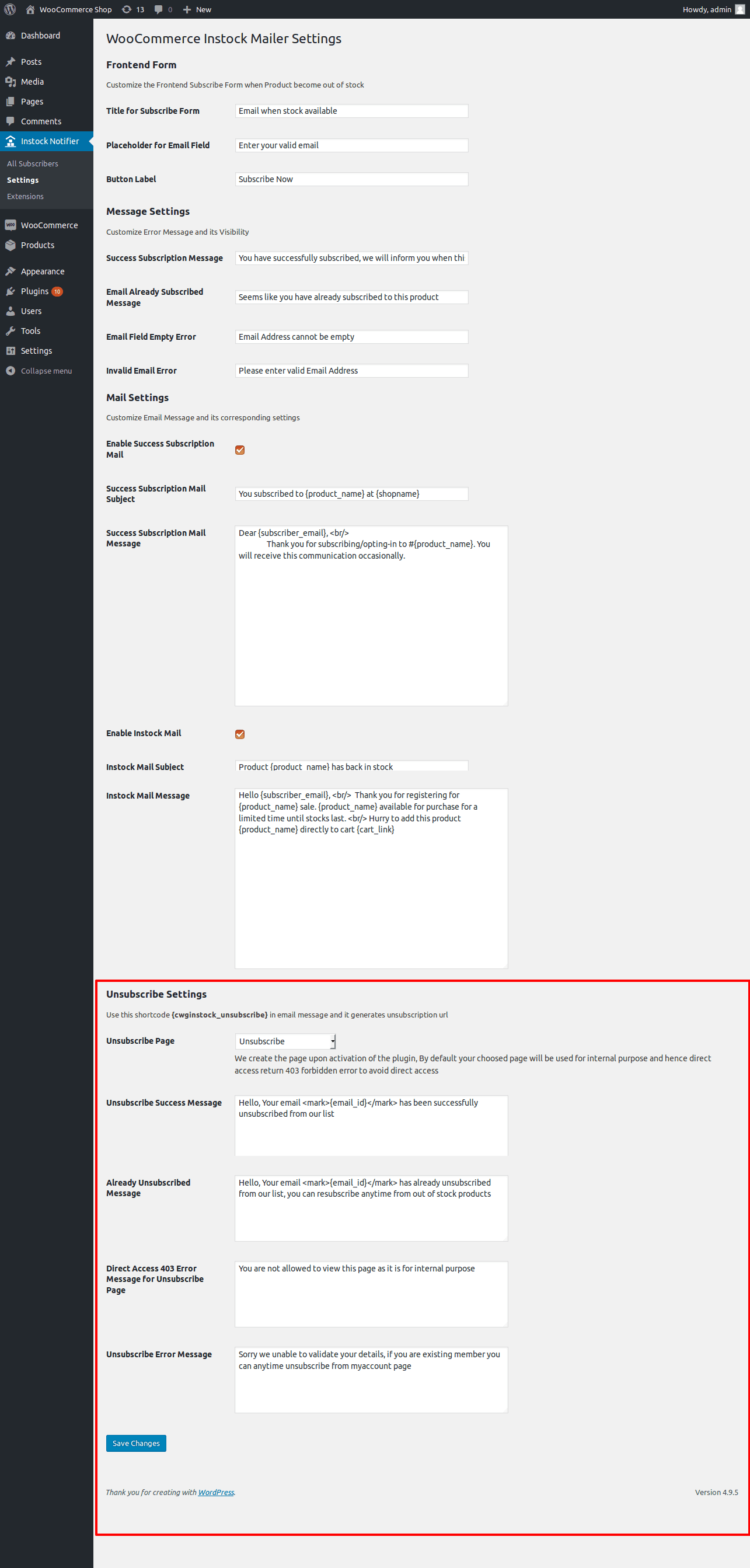
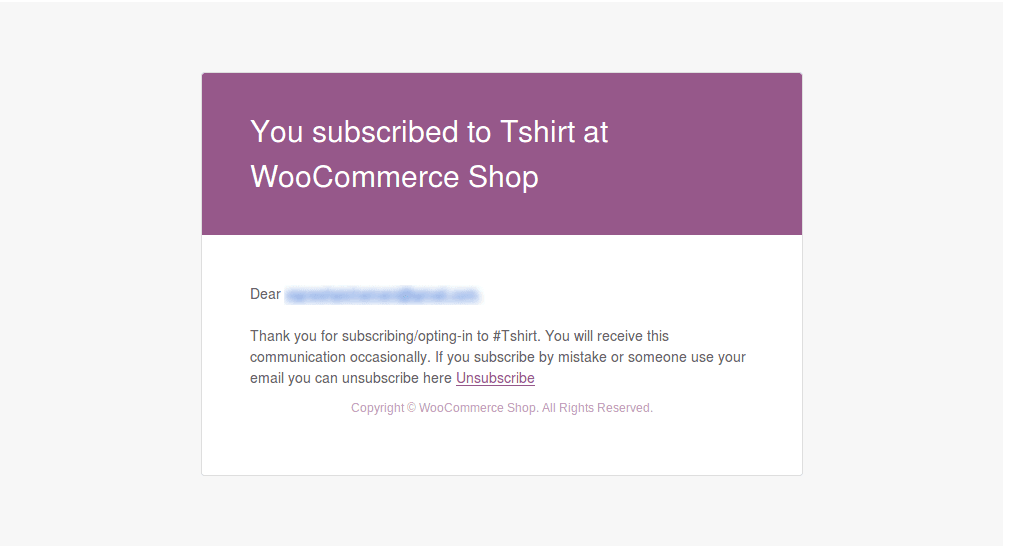
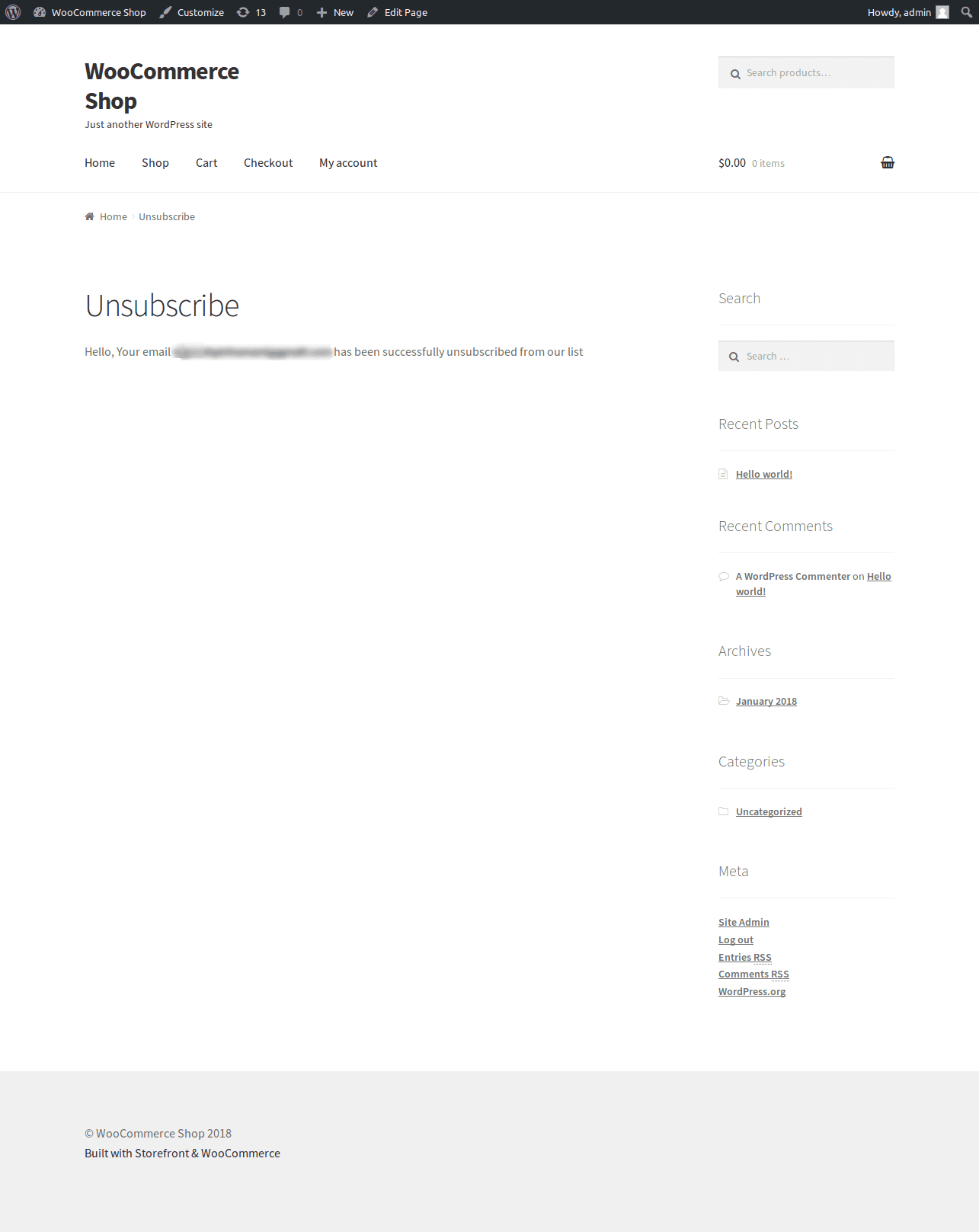
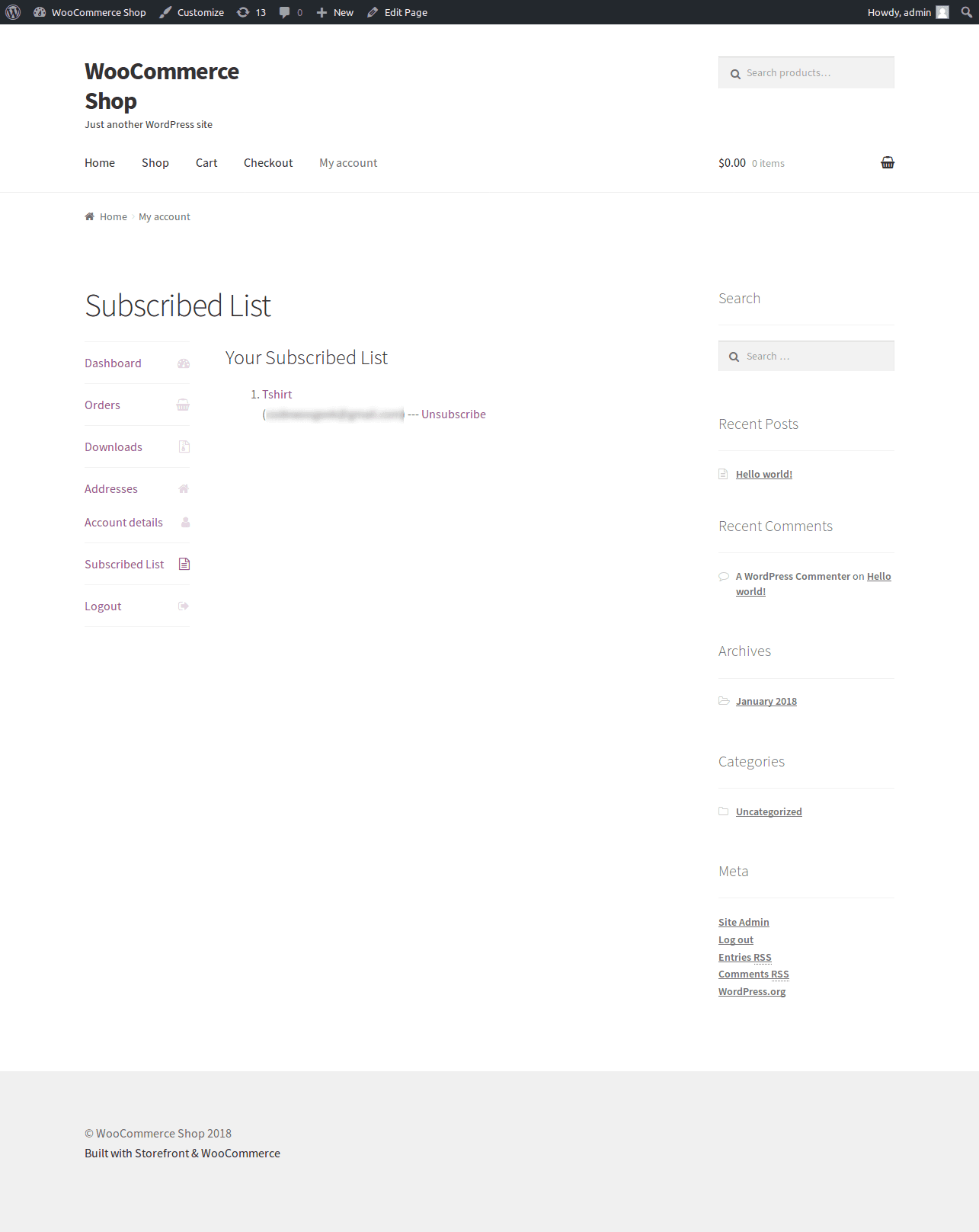
Once the plugin is installed, the {cwginstock_unsubscribe} shortcode will be valid and can be placed in the Message Textarea to generate an unsubscribe link. By default, upon activation, we create an unsubscribe page using this following shortcode [cwginstocknotifier_unsubscribe] that is inaccessible without the proper query string (403 forbidden). This setup enables subscribers to unsubscribe directly via a link in their email, which redirects them to the designated unsubscribe page. We also offer an unsubscribe option on the WooCommerce My Account page, where members can access it as a separate tab.
Minimum Requirements
- PHP 5.3 or above
- WordPress 4.7 or above
- WooCommerce 2.6 or above
- Back In Stock Notifier for WooCommerce 1.0 or above
Installation
The Unsubscribe Add-On can be installed manually. After your successful purchase, you can download the Unsubscribe Add-On as a zip file. Follow these steps to upload it to WordPress:
- Go to your Admin Dashboard and navigate to Plugins -> Add New.
- Click Upload Plugin and select your downloaded zip file of the Unsubscribe Add-On.
- Install and activate the add-on.
- Go to Instock Notifier -> Settings -> Unsubscribe Settings for further customization.
Changelog
v2.0.0 on 4th April 2026

 Tweak: Auto Update Library enhanced.
 Tweak: Code enhanced as per the latest back in stock notifier plugin code.

v1.6 on 24th March 2025

 New: Auto Update and License Activation added

v1.4 – 31st October 2024
-
Fix: Issue with accessing offset of type string on string
-
Fix: Header already sent issue
-
New: Option to hide Product SKU on the My Account Unsubscribe Page
v1.2
-
New: Added customization options for the My Account Page's Subscribed List menu, heading, and Unsubscribe anchor text.
v1.0
-
Initial Release
Additional information
| License | Starter License, Growth License, Ultimate License |
|---|
Related products

Back In stock Notifier for WooCommerce: Add-ons
Klaviyo - Back In Stock Notifier for WooCommerce
From
$19.00
One-time

Back In stock Notifier for WooCommerce: Add-ons
Double Opt-In - Back In Stock Notifier for WooCommerce
From
$19.00
One-time

Back In stock Notifier for WooCommerce: Add-ons
Custom CSS - Back In Stock Notifier for WooCommerce
Custom CSS Add-on is for Back In Stock Notifier which support design customization option for Subscribe…
From
$19.00
One-time